Accessibility QA for Non-Technical Teams: A Guided Framework
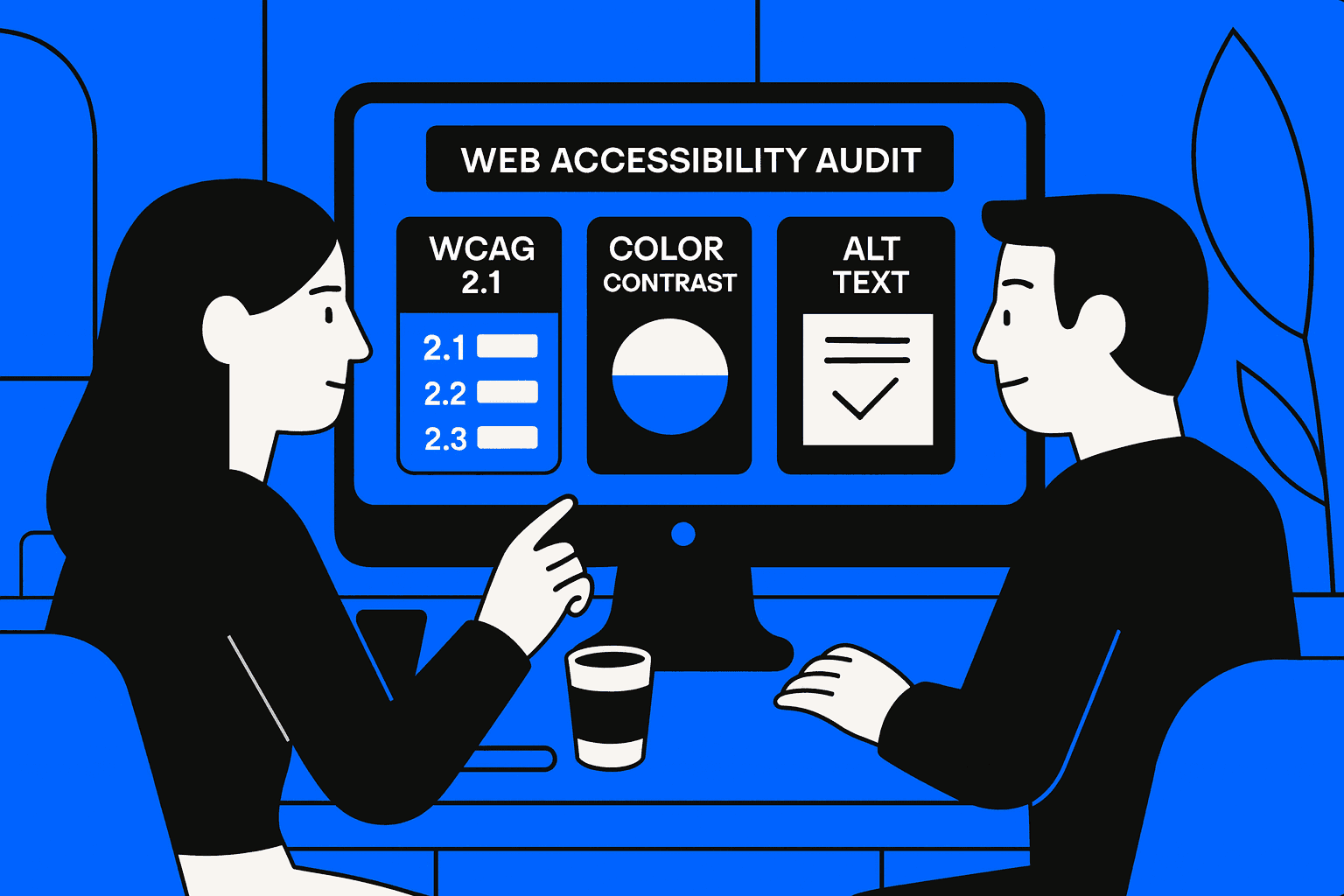
Let`s show how non-technical teams can run accessibility QA. We show how to use WCAG guidelines, how to use audits, and how to use accessibility testing tools.
Accessibility QA for Non-Technical Teams: A Guided Framework
We notice that accessibility often falls apart after design and development. The non-technical teams are unaware of how to verify compliance without a framework, and issues that affect web accessibility stay hidden. Those hidden issues raise the risk. Hurt the user experience. Accessibility QA does not need coding knowledge. Accessibility QA does need a structure.
We wrote this guide to help non‑technical teams run good accessibility QA. The guide uses checks. The guide follows design principles. The guide uses accessibility testing tools.
Why Accessibility QA Cannot Be Only a Developer Task
Accessibility issues often originate in content, layout, and visual decisions. When QA excludes non-technical roles, gaps appear.
Common risks include:
missing alt text for images
low contrast content missed by design review
unclear headings without semantic HTML structure
incorrect ARIA labels were added without validation
Shared ownership ensures accessible web design remains consistent beyond development.
Accessibility QA Supports Compliance and Trust
Structured QA supports ADA compliance while improving usability for all users, not only those using assistive technologies.
Core Accessibility Checks Non-Technical Teams Can Perform
Non-technical teams can identify many issues without writing code.
Key checks include:
reviewing headings for logical order
validating alt text clarity and relevance
testing color contrast using a color contrast checker
checking link clarity and focus visibility
confirming readable content flow
These steps uncover issues early and reduce dependency on late-stage fixes.
Mapping Checks to WCAG Guidelines
Aligning reviews with WCAG guidelines ensures consistency and reduces subjective judgment.
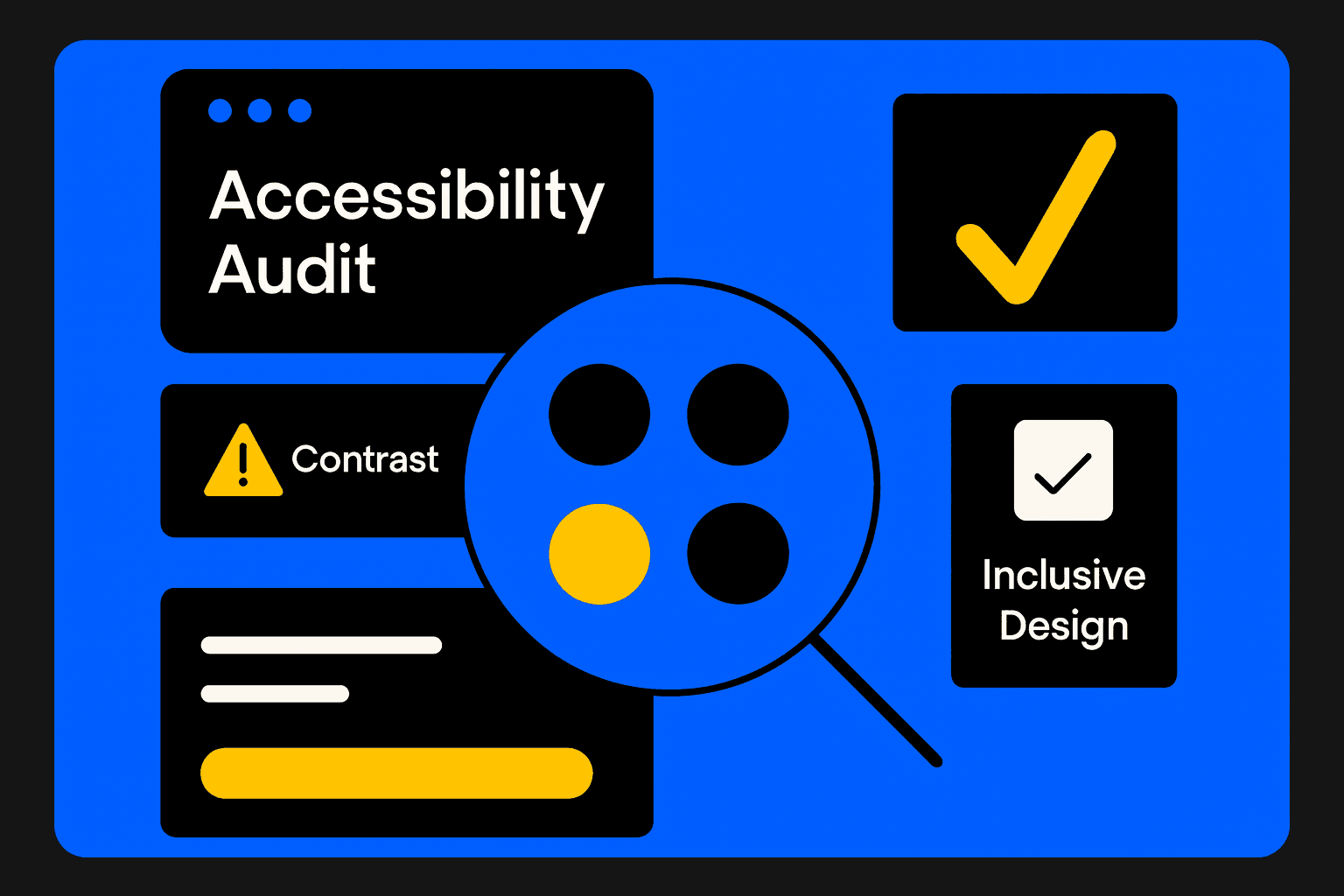
Accessibility QA Workflow for Non-Technical Teams
QA Step | What to Check | Tools or Methods |
|---|---|---|
Content review | Alt text for images | Manual review |
Visual review | Contrast ratios | Color contrast checker |
Structure review | Headings and lists | Page outline tools |
Interaction review | Focus and labels | Keyboard navigation |
Validation review | ARIA labels usage | Accessibility testing tools |
This workflow allows teams to perform repeatable checks without technical expertise.
Integrating Accessibility QA Into Existing Processes
Accessibility QA works best when embedded into existing workflows.
Effective practices include:
adding accessibility audit steps to content QA
reviewing accessibility before every release
documenting recurring issues
escalating complex findings to technical teams
This prevents accessibility debt from accumulating silently.
From One-Time Audit to Ongoing Practice
Accessibility QA becomes scalable when repeated consistently, not treated as a single checkpoint.
Conclusion
Accessibility QA does not need the expertise. Accessibility QA does need clarity, structure, and accountability. When non-technical teams follow the guided framework use the accessibility testing tools.
Align the reviews with WCAG guidelines, and non-technical teams can support web accessibility. Non-technical teams can also achieve ADA compliance. When accessibility becomes part of QA, products stay inclusive, resilient, and trustworthy.