Accessibility Testing in CI/CD: Lighthouse vs Axe vs Pa11y
How to conduct accessibility testing in CI/CD pipelines? Lighthouse, Axe, and Pa11y. ADA compliance, web accessibility, semantic HTML, and inclusive design for accessible web design projects.
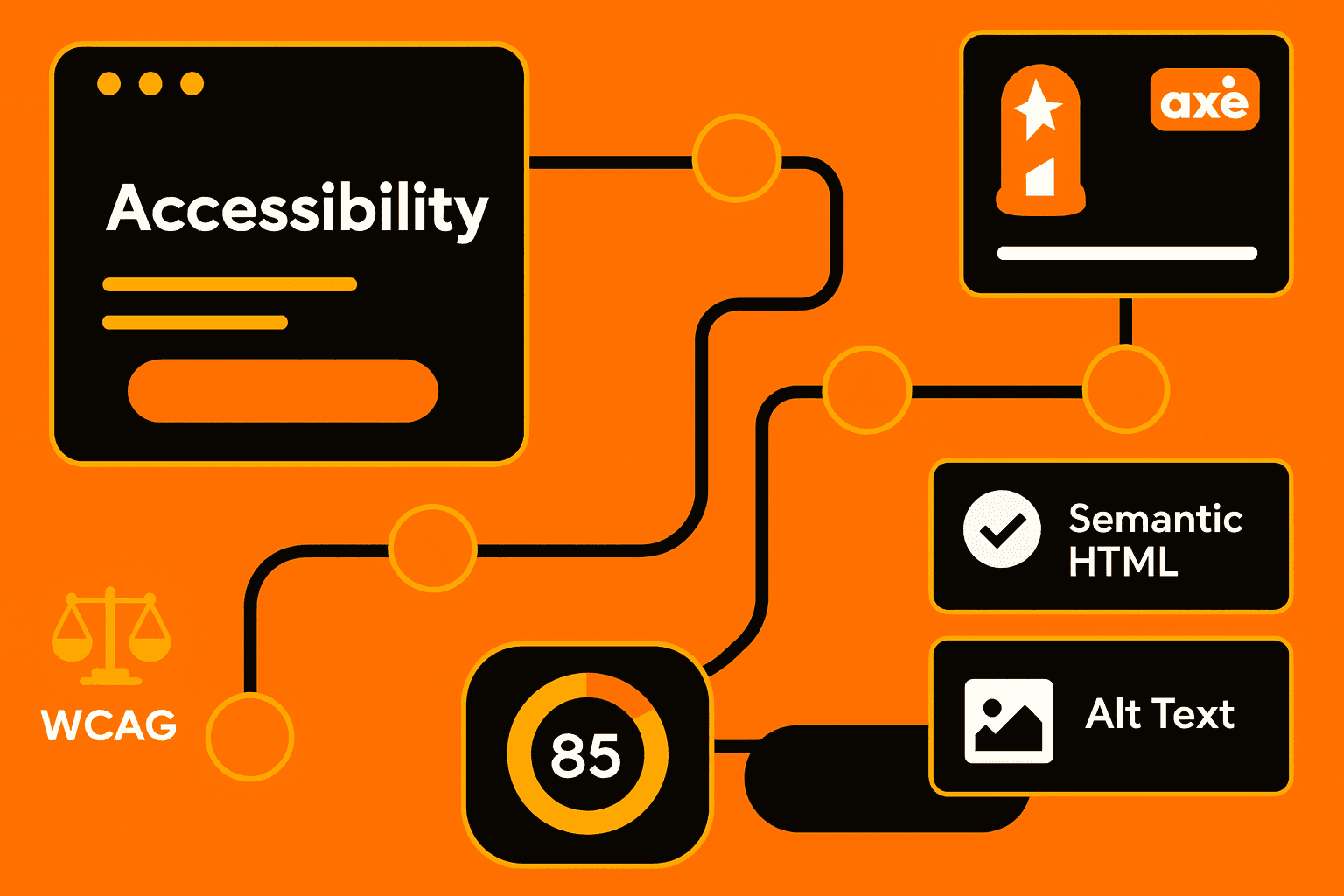
CI/CD Accessibility Testing: Lighthouse vs Axe vs Pa11y
Using integration of accessibility testing right from CI/CD pipelines means websites will adhere to web accessibility standards. Tools like Lighthouse, Axe, and Pa11y take accessibility audit procedures as their main mission. It finds problems with semantic HTML, alt text for images, and color contrast checker violations. A thorough set of checks early and often can help development teams keep pace with ADA compliance and WCAG guidelines throughout the entire process, forming a robust framework for inclusive design.
Why CI/CD Matters for Accessibility
We have seen that manual testing, by itself, cannot keep up with the fast release cycles. Adding accessibility testing tools to the automated CI/CD workflows allows:
Immediate detection of regressions in accessible web design
Continuous monitoring of aria labels implementation
Early alerts on violations of WCAG guidelines
Reduction of human error in repetitive checks
This approach saves time, reduces costs, and ensures user experience remains inclusive.
Comparing Lighthouse, Axe, and Pa11y
Tool | Strengths | Limitations |
|---|---|---|
Lighthouse | Automated audits, page speed, SEO, accessibility overview | Some issues require manual verification |
Axe | Detailed accessibility testing tools that integrate with dev frameworks | Limited coverage outside standard WCAG checks |
Pa11y | Lightweight, scriptable, supports CI/CD pipelines | Less visual reporting than Lighthouse |
Each tool complements the others, creating a multi-layered accessibility audit strategy.
Best Practices for CI/CD Accessibility
Utilize accessibility testing tools in every pull request.
Prioritize issues affecting web accessibility and inclusive design.
Validate semantic HTML, aria labels, and alt text for images.
Use the color contrast checker to meet ADA standards.
Continuously review WCAG guidelines updates.
Following these steps helps maintain high-quality accessible web design and reduces compliance risks.
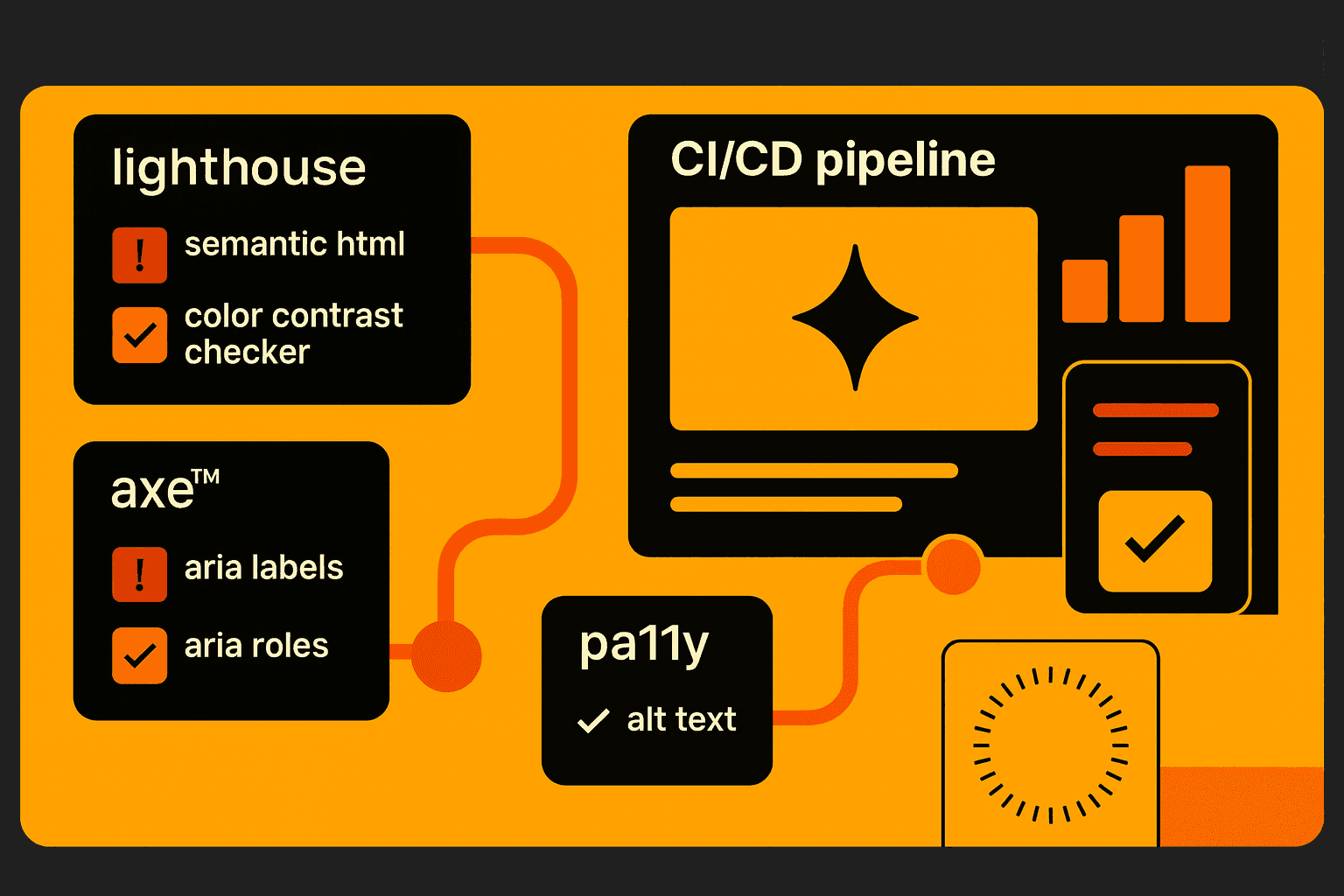
Integrating Accessibility into Development Culture
Embedding accessibility testing into CI/CD is more than simply using tools. Instead, it requires an entire culture of inclusive design, lifelong learning, and getting ahead of the problem before it’s over. Combining automated checks with usability testing examples and user insights ensures that websites remain accessible and usable for all users.
Conclusion
CI/CD accessibility testing using Lighthouse, Axe, and Pa11y empowers teams to enforce ADA compliance, WCAG guidelines, and maintain web accessibility standards. Automated accessibility testing tools, proper semantic HTML, aria labels, and alt text for images checks make accessible web design scalable. By embedding these practices into pipelines, organizations achieve consistent, inclusive design while reducing manual effort, costs, and compliance risks.