ARIA Roles Misuse and How to Correct Common Accessibility Mistakes
Learn how to identify and fix ARIA roles misuse to improve web accessibility, WCAG compliance, and accessible web design.
ARIA Roles Misuse Common Mistakes and How to Correct Them
ARIA roles help make a site more accessible. When a developer uses ARIA roles in the way ARIA roles can add obstacles instead of taking obstacles away. I have seen many teams put ARIA labels on elements without knowing HTML or WCAG guidelines. Adding ARIA labels without that knowledge breaks screen reader experiences. Causes accessibility audits to fail. Fixing ARIA roles misuse is needed for web design and, for long term ADA compliance.
Why ARIA Roles Are Commonly Misused
ARIA roles are often added as quick fixes instead of structural solutions. This usually happens when teams skip semantic HTML and rely on ARIA to patch accessibility gaps.
Common causes include:
misunderstanding web accessibility principles
replacing native HTML elements with custom components
lack of accessibility testing tools in development workflows
pressure to pass an accessibility audit quickly
ARIA should enhance semantics, not replace them.
Semantic HTML Should Always Come First
Native elements already provide accessibility by default. Buttons, links, headings, and form inputs communicate roles automatically to assistive technologies. Using semantic HTML reduces the need for ARIA and improves inclusive design.
Common ARIA Roles Mistakes
Misuse patterns appear consistently during accessibility audits and accessibility testing.
The most frequent mistakes include:
assigning ARIA roles to elements that already have native roles
using incorrect roles that conflict with actual behavior
adding aria labels without visible context
hiding important content from screen readers accidentally
These issues often break navigation and increase user confusion.
When ARIA Labels Create More Harm Than Good
ARIA labels override visible text for screen readers. When labels do not match on-screen content, users lose trust and orientation. This is a frequent failure in accessible web design reviews.
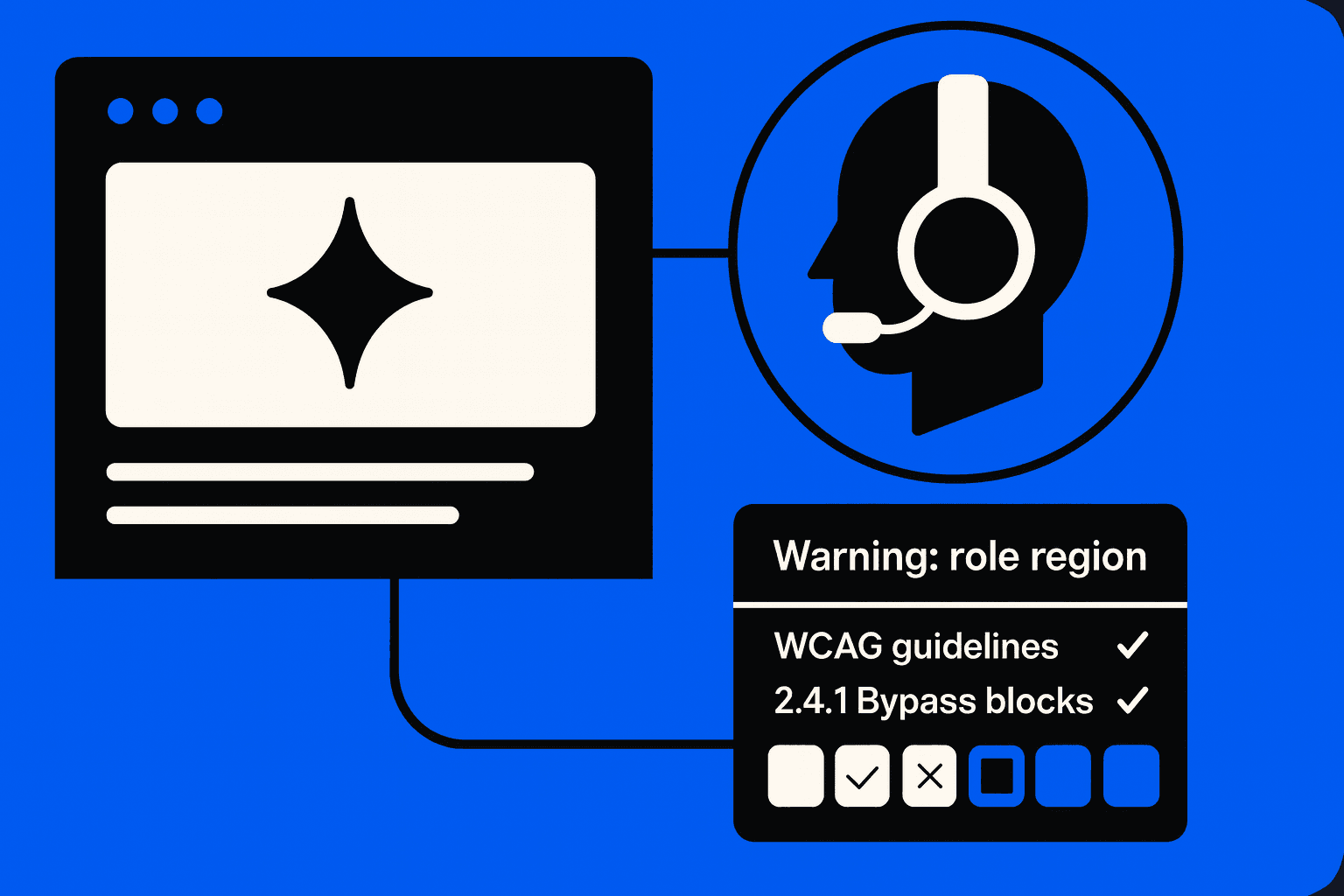
How to Correct ARIA Roles Misuse
Fixing ARIA issues starts with removing unnecessary code before adding new attributes.
A practical correction process includes:
replacing ARIA-heavy components with semantic HTML
validating roles against WCAG guidelines
checking the color contrast checker results alongside the structure
testing with real screen readers and accessibility testing tools
This approach improves web accessibility and reduces long-term maintenance.
Validating Fixes Through Accessibility Audits
Every fix should be verified using automated tools and manual testing. Accessibility audits confirm whether changes improve real user experience, not just compliance scores.
ARIA Roles and Inclusive Design at Scale
When used correctly, ARIA supports inclusive design by filling gaps that HTML cannot address alone. Teams should document standards for aria labels, role usage, and testing expectations to ensure consistency across products.
ARIA works best when:
semantic HTML is the foundation
accessibility testing is continuous
accessible web design is part of design systems
compliance goals align with user needs
Conclusion
ARIA roles misuse is a common and expensive web accessibility mistake. Using ARIA instead of semantic HTML causes the failed accessibility audits and the weak assistive technology support. I have seen teams put the elements first, follow the WCAG guidelines, and validate the fixes with the accessibility testing tools. I have seen teams build the interfaces that are compliant and truly accessible.