ARIA Roles Misuse: Common Mistakes and How to Correct Them
Learn how to identify and fix common ARIA role mistakes using aria labels, semantic HTML, WCAG guidelines, and accessibility best practices.
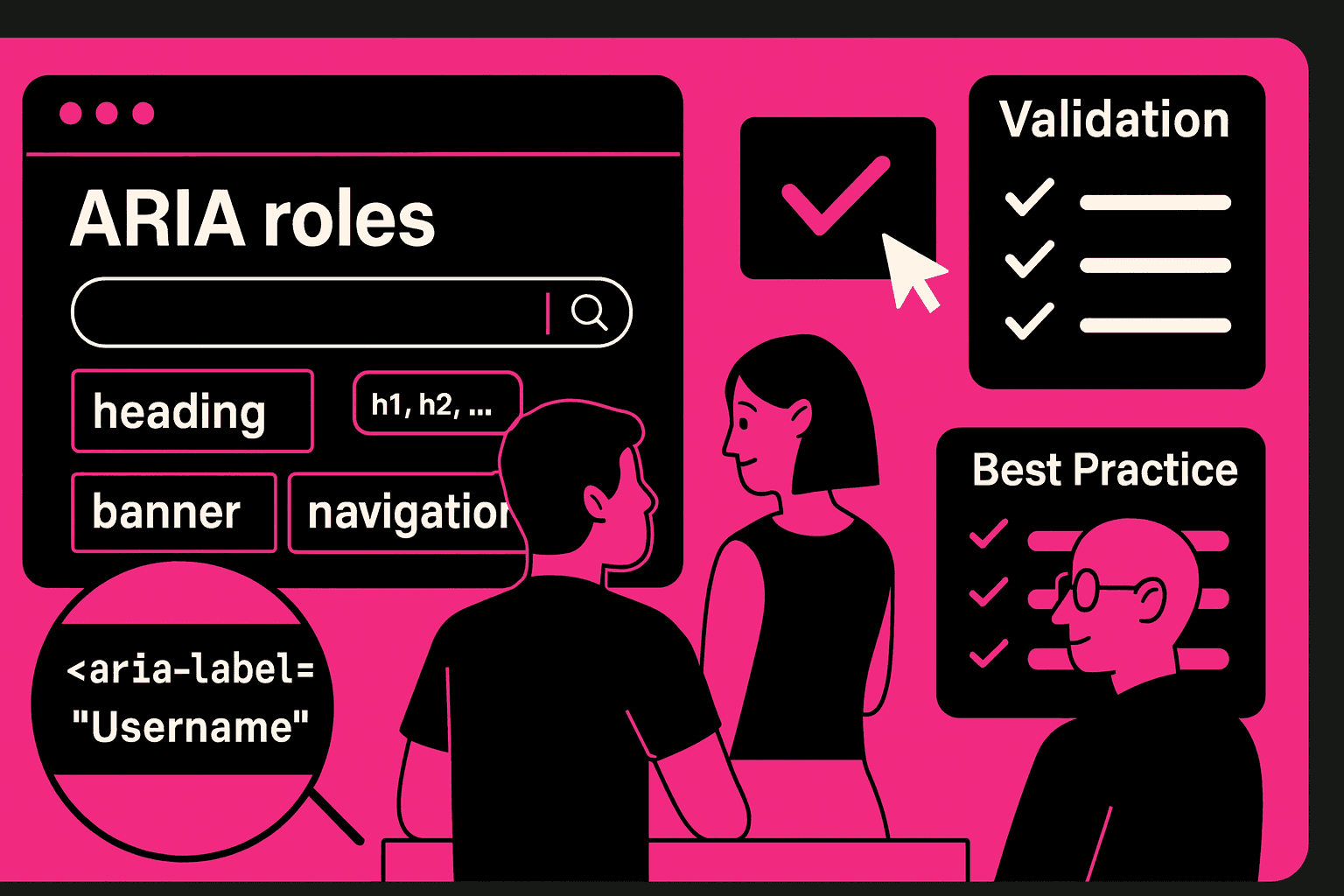
ARIA Roles Misuse: Common Mistakes and How to Correct Them
I have seen sites where the wrong use of ARIA labels and ARIA roles causes trouble for users. Incorrect use of ARIA labels and ARIA roles is one of the accessibility failures identified in an accessibility audit. When ARIA roles are misused, assistive technologies get misleading information.
The misleading information harms web accessibility. The misleading information reduces usability for people who rely on screen readers. The article describes the mistakes. The article shows how teams can fix the mistakes. The fix uses HTML. The fix follows WCAG guidelines.
Why ARIA Roles Often Fail in Production
Many teams add ARIA roles without understanding how they interact with semantic HTML. ARIA is powerful, but using it incorrectly harms accessible web design. Most issues appear when developers overwrite native behavior, introduce incorrect aria labels, or fail to follow WCAG guidelines.
Common causes include:
misunderstanding the role's purpose
ignoring built-in semantic elements
adding unnecessary ARIA attributes
missing keyboard interaction patterns
assuming ARIA fixes all accessibility problems
These mistakes reduce the quality of web accessibility and create barriers for assistive technology users.
The Most Common ARIA Misuse Patterns
Mistake 1 — Adding ARIA When Semantic HTML Already Works
Developers often add ARIA roles to elements that already have correct meanings. Using semantic HTML is the first requirement in any accessibility audit.
Examples of incorrect usage:
<div role="button">instead of<button><span role="link">instead of<a>
This breaks accessible web design and increases maintenance complexity.
Mistake 2 — Incorrect or Missing aria labels
Many components contain aria labels that conflict with visual text or provide no context at all. This creates a disconnect between what users see and what screen readers announce.
Two dangerous cases:
aria labels that duplicate visible text
aria labels that hide meaningful information
During accessibility testing tools analysis, these errors are flagged immediately.
Mistake 3 — Using Roles Without Required Keyboard Behavior
If a developer assigns a widget role, they must also support its keyboard interactions. This is required by WCAG guidelines.
Examples of missing patterns:
role="button"without Enter/Space supportrole="menu"without arrow key navigation
This issue often appears during an accessibility audit of enterprise applications.
Mistake 4 — Misusing Landmark Roles
Landmark roles help structure the page for assistive technologies. When used incorrectly, they confuse navigation.
Incorrect examples:
multiple
role="main"regionsmissing
role="navigation"applying landmarks inside interactive widgets
Landmark errors are easy to detect using accessibility testing tools.
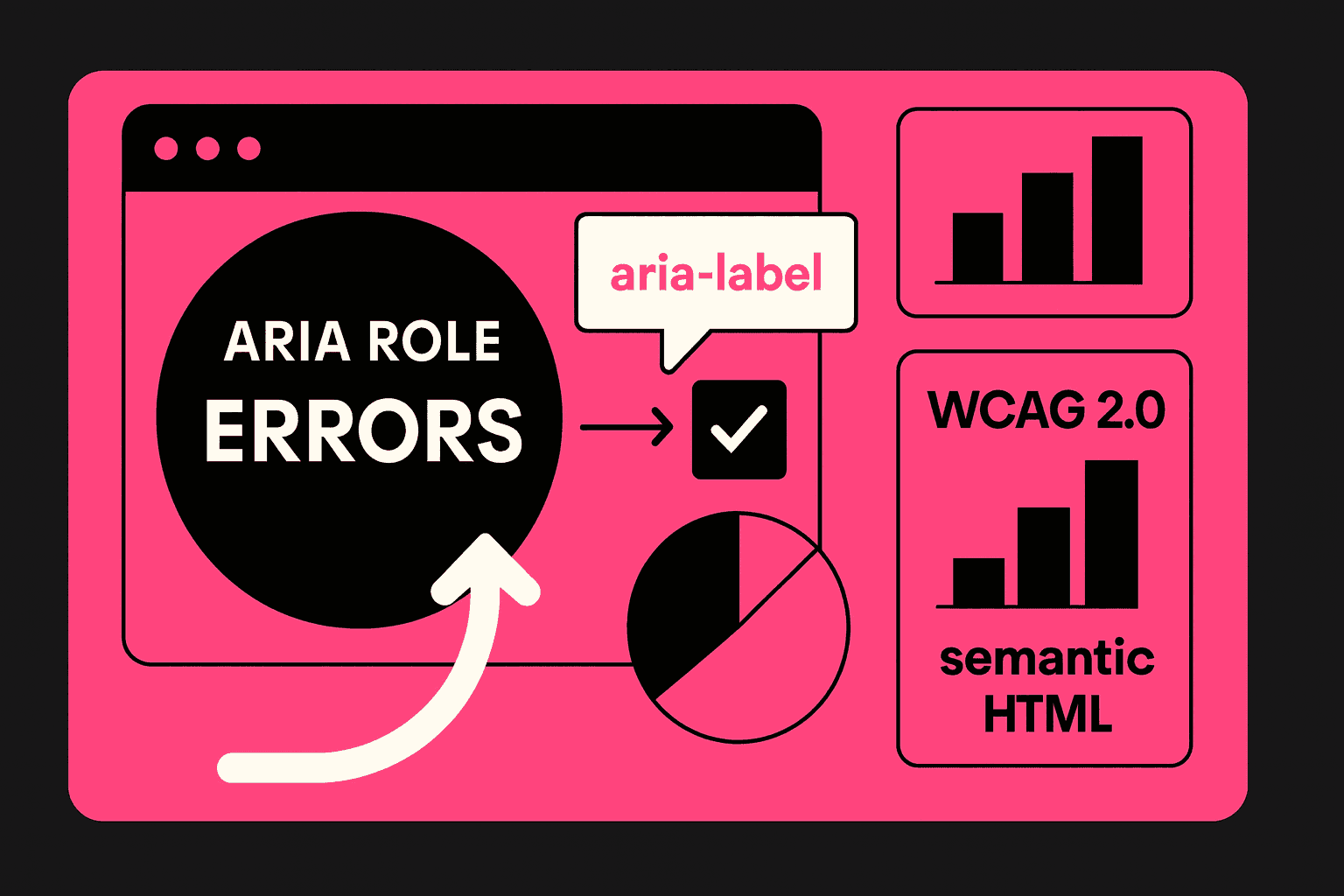
Table — Correct Use of ARIA Roles and Attributes
Component Type | Wrong Implementation | Correct Implementation | Why It Matters |
|---|---|---|---|
Button |
|
| Preserves native semantics and keyboard support |
Navigation | Missing | Semantic | Improves screen reader orientation |
Images | No alt text |
| Required for inclusive design |
Modal | No ARIA attributes |
| Ensures focus, control, and clarity |
Custom Widgets | ARIA without behavior | Keyboard pattern included | Supports ADA compliance |
How to Correct ARIA Role Misuse
Fixing ARIA misuse requires alignment between development, design, and accessibility audit processes. Teams should follow WCAG guidelines, apply semantic HTML by default, and use ARIA only when necessary.
A reliable correction workflow includes:
validating roles using accessibility testing tools
reviewing aria labels to ensure accuracy
replacing unnecessary ARIA with semantic HTML
checking color contrast using a color contrast checker
ensuring all components align with inclusive design principles
This approach guarantees predictable improvements in web accessibility.
Conclusion
I have found that the correct use of ARIA labels and ARIA roles is essential for web design and ADA compliance. The team should rely on HTML first, follow WCAG guidelines, and validate components through an accessibility audit. The team can avoid mistakes.
Create inclusive digital experiences. The ARIA labels and ARIA roles should enhance accessibility, not replace structures. The correct implementation of ARIA labels and ARIA roles strengthens web accessibility. Helps the users navigate the products with clarity and confidence.