Beyond WCAG: Practical Micro-Accessibility Fixes That Boost UX Fast
Go beyond WCAG with practical micro-accessibility fixes. Learn quick improvements using semantic HTML, ADA compliance tips, ARIA labels, and accessible web design methods.

Beyond WCAG: Practical Micro-Accessibility Fixes That Boost UX Fast
Improving accessibility does not always need a redesign of the site. I have seen that small targeted changes—micro‑accessibility fixes—can quickly improve the web accessibility. Micro‑accessibility fixes reduce friction and micro‑accessibility fixes strengthen design. Micro‑accessibility fixes line up with the WCAG guidelines. Micro‑accessibility fixes help teams reach ADA compliance without a lot of development work.
Why Micro-Accessibility Fixes Matter
I see that the teams often focus on the high-level compliance. The usability barriers often come from details. Micro-fixes address:
Missing alt text for images
Incorrect or absent ARIA labels
Poor spacing for tap targets
Minor violations were found during an accessibility audit
Even small updates drastically improve readability and navigation in accessible web design, especially for assistive technology users.
Key Benefits of Micro-Accessibility Improvements
Faster pathways to better ADA compliance
Reduced user frustration, especially for screen reader users
Stronger foundation for ongoing audits and accessibility testing tools
Higher usability for mobile and keyboard-only navigation
Better alignment with inclusive design standards
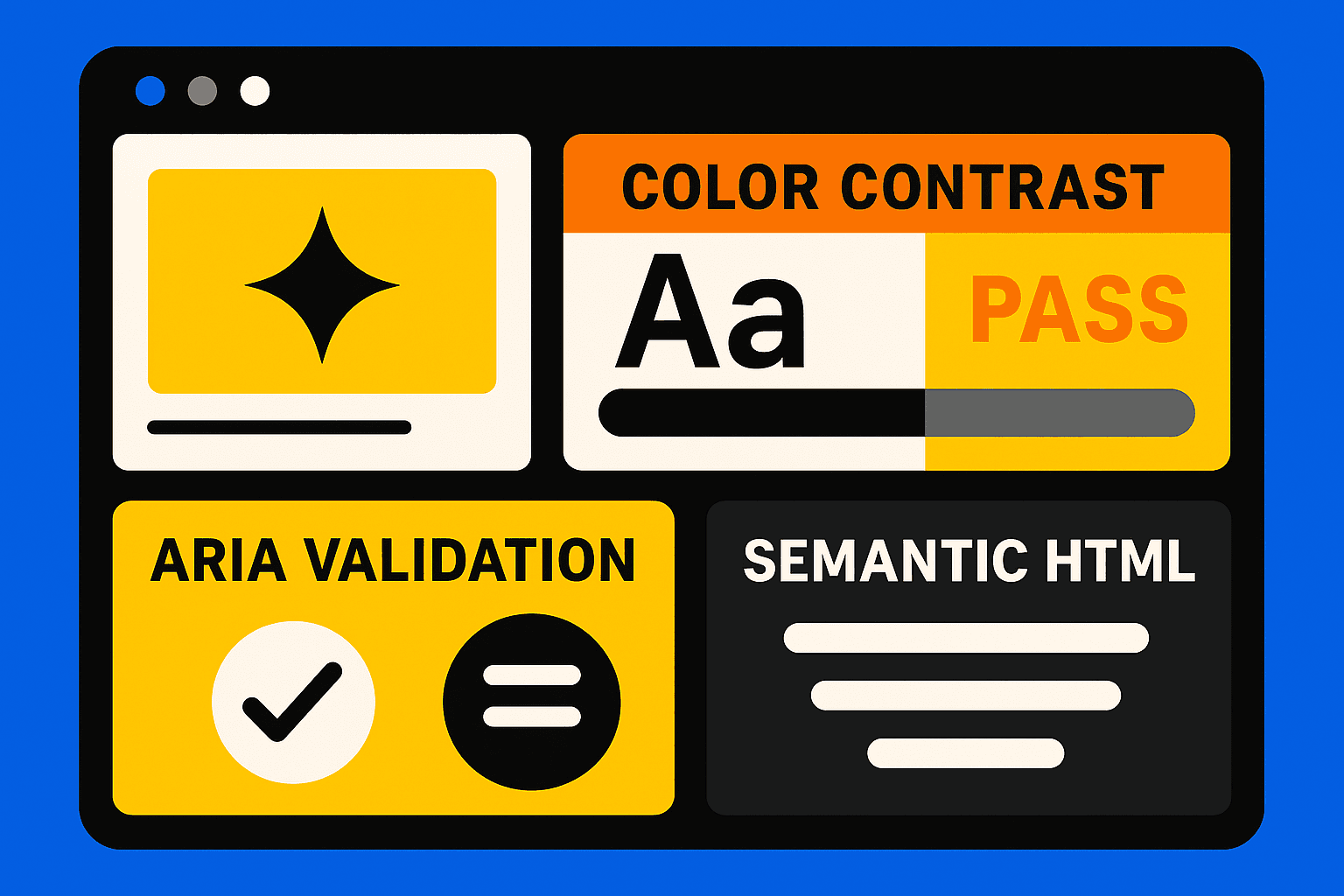
Micro-Fixes That Improve UX Immediately
Here are the fastest, high-impact updates teams can apply:
1. Upgrade to Proper Semantic HTML
Semantic structure helps assistive technologies interpret content correctly. Replace generic tags with meaningful ones:
<button>instead of clickable<div><nav>for menus<ul>for grouped actions
This simple change improves navigation accuracy and enhances accessible web design.
2. Fix Color Contrast With a Checker
Low contrast is the most common WCAG violation. Using a color contrast checker, adjust:
button text
icon visibility
link colors
error states
Small visual changes make enormous improvements for low-vision users.
3. Improve Alt Text for Images
Effective alt text for images should describe function—not decoration. This micro-fix improves screen reader accessibility and supports web accessibility.
4. Validate ARIA Labels
Many sites misuse ARIA despite good intentions. Clean, accurate ARIA labels help users understand controls and reduce confusion during interaction.
5. Run a Quick Accessibility Audit
Use lightweight accessibility audit tools to spot fast wins:
Missing form labels
Incorrect heading hierarchy
Inaccessible modals
Keyboard traps
Even 15-minute audits reveal issues that block navigation for many users.
Conclusion
Going beyond the WCAG guidelines does not need a redesign. I have found that small accessibility improvements work well. Micro accessibility improvements, such as using HTML, checking ARIA labels, fixing text for images, and running simple checks with accessibility testing tools, give immediate user experience benefits. Accessibility improvements strengthen the design. Accessibility improvements support ADA compliance. Accessibility improvements make the web design for any team.