Fixing Color Contrast at Scale: Automated Audit Workflows
Learn how automated audit workflows streamline color contrast checks, improve web accessibility, and maintain ADA-compliant, inclusive digital experiences.
Fixing Color Contrast at Scale: Automated Audit Workflows
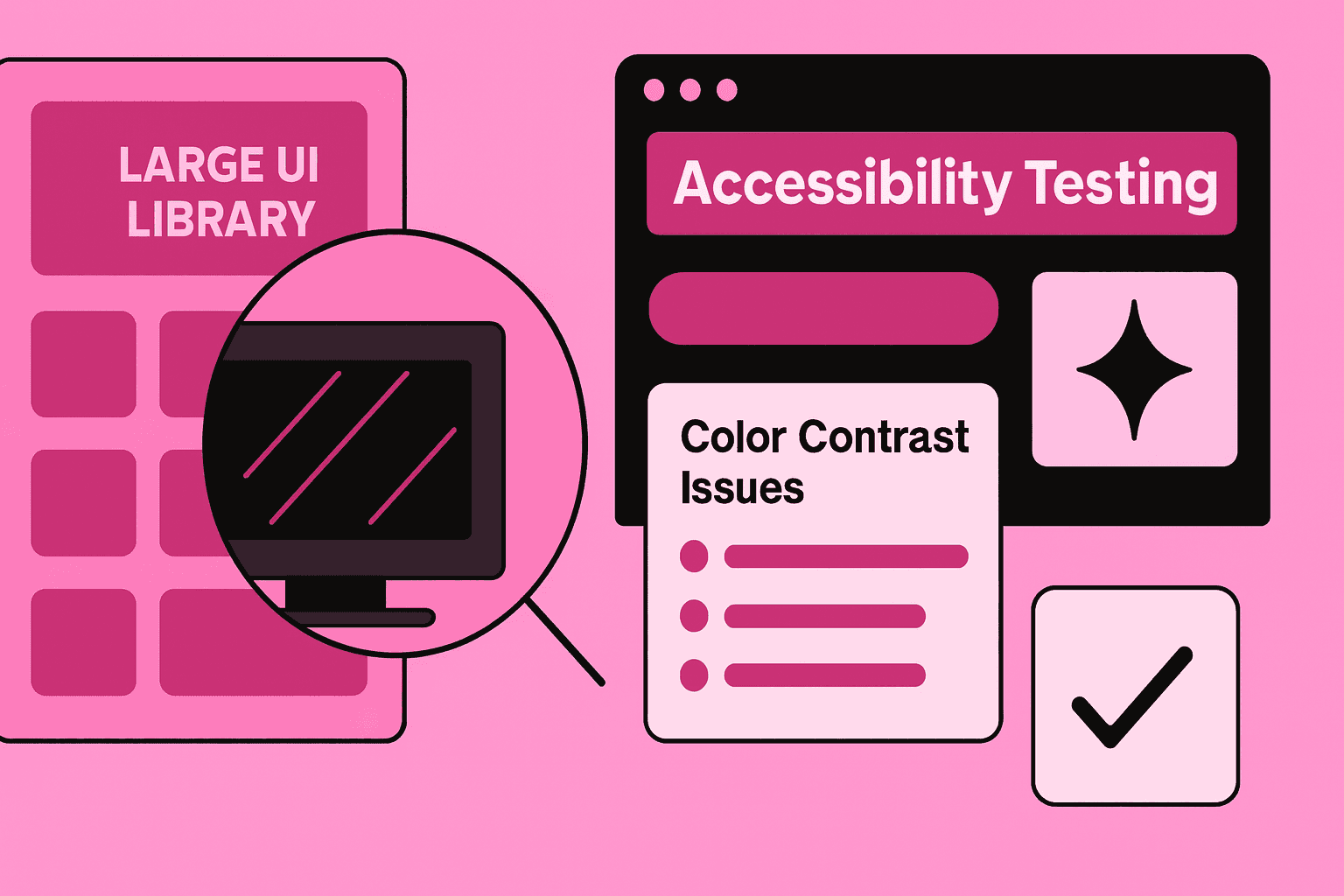
Color contrast issues are still one of the accessibility barriers. I notice color contrast issues in the design systems and the content-heavy platforms. When teams ship components and update visuals, color contrast issues can appear quickly and unexpectedly.
Scalable automated workflows keep accessibility strong. Scalable automated workflows keep the web accessibility compliance in place. Scalable automated workflows cut the work for the design and engineering teams.
Why Color Contrast Requires Scalable Workflows
Color contrast is one of the easiest issues to fix, but one of the hardest to manage at scale. As branding evolves and new layouts ship, teams often fail contrast requirements without realizing it. Automated workflows built around WCAG guidelines, color contrast checker tools, and accessibility audit processes help:
prevent regression across design systems
Maintain ADA compliance
reduce manual review time
ensure consistent readability for low-vision users
support long-term inclusive design
Color contrast becomes manageable only when integrated into a continuous, automated accessibility pipeline.
Automated Weekly Audits
Weekly scans catch fast-moving regressions introduced during active development.
Key Weekly Audit Activities
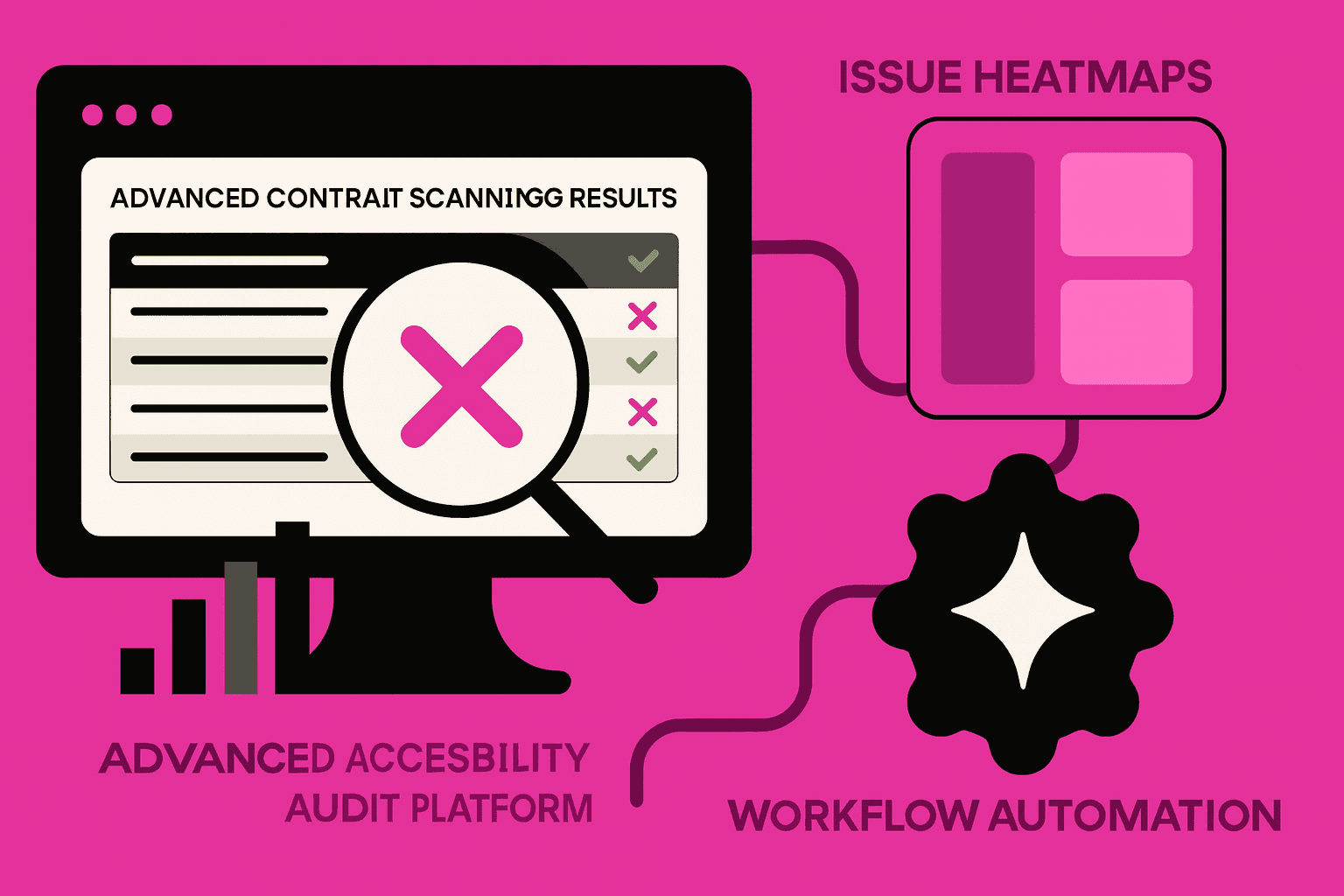
Run automated scans using accessibility testing tools
Validate text, icons, borders, and interactive state
Flag components with borderline contrast ratios
Update semantic HTML usage to support assistive tech
Add or revise aria labels where visual cues are insufficient
Generate contrast reports for designers and developers
Weekly checks keep new UI changes aligned with accessible web design standards.
Monthly Deep-Dive Contrast Reviews
Monthly reviews focus on bigger patterns and components that impact core user journeys.
Key Monthly Review Activities
Review high-traffic pages for readability and user flow clarity
Examine contrast in dynamic states (hover, focus, pressed)
Refactor legacy components that fail WCAG AA
Validate alt text for images supporting visual context
Assess theming systems (dark mode, brand palettes)
Consolidate color tokens to remove duplicates or outdated shades
Monthly cycles reveal structural contrast problems that automation alone cannot solve.
Quarterly System-Level Contrast Improvements
Quarterly planning aims to eliminate root causes, not isolated failures.
Key Quarterly Initiatives
Full accessibility audit of the design system color library
Introduce a unified palette aligned with WCAG guidelines
Implement automated contrast checks in CI pipelines
Train designers on contrast heuristics and accessible color pairing
Evaluate new accessibility testing tools for deeper detection
Update brand guidelines with documented contrast rules
These improvements create long-term contrast stability across all digital products.
Conclusion
Fixing color contrast, at scale, needs automation, regular audits, and system improvements. Teams put contrast checks into monthly and quarterly workflows. Teams lower accessibility risk with the contrast checks. Teams keep ADA compliance with the contrast checks.
Teams give users an inclusive experience. Automatic audit pipelines keep color contrast not across every component, across every feature, and across every brand change.