Form Usability Stress Tests: Speed, Errors, Drop-Off Points
Learn how to run form usability stress tests using UX research, usability testing, and user behavior analysis to reduce errors and drop-offs.
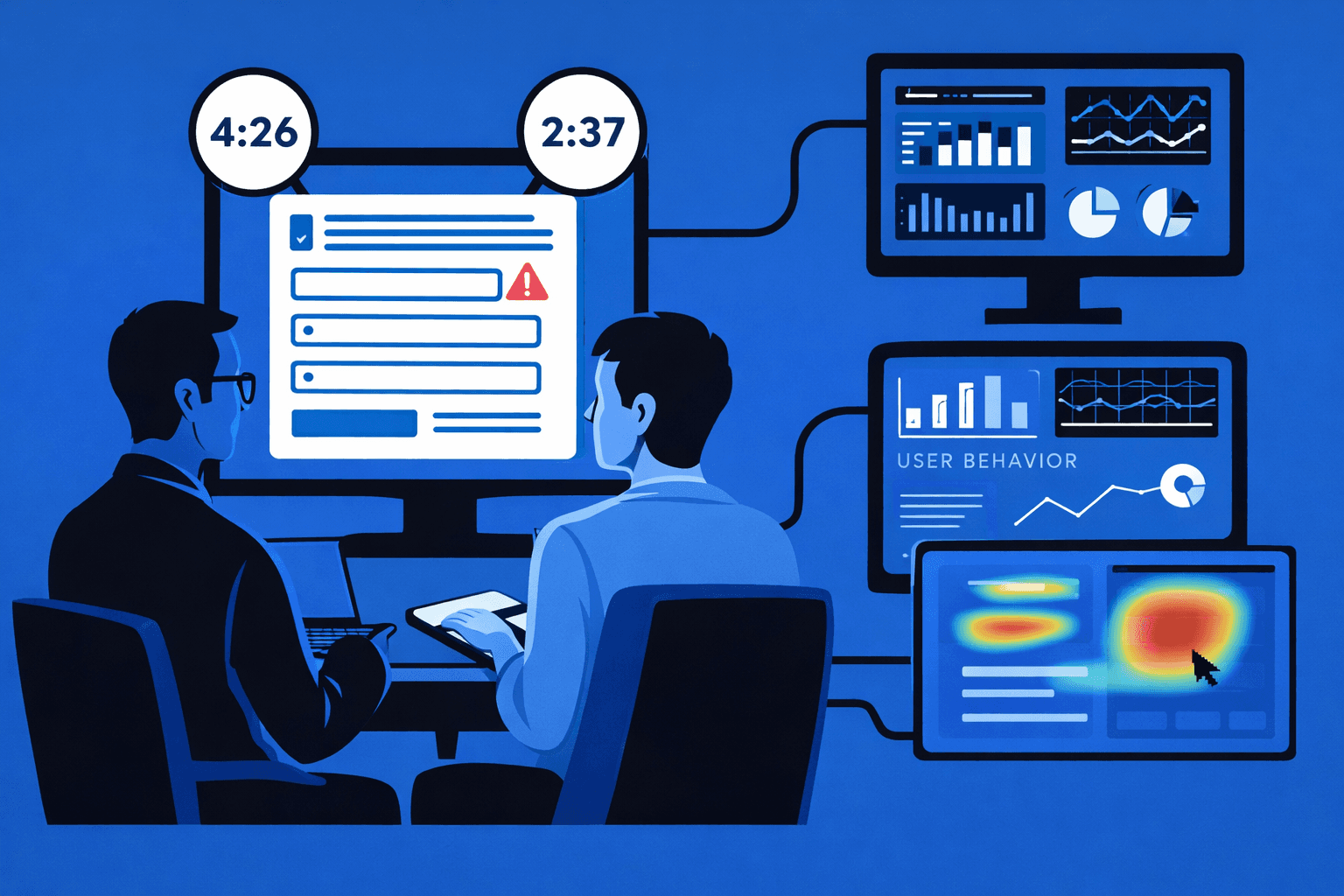
Form Usability Stress Tests: Speed, Errors, Drop-Off Points
Forms fail quietly. Users abandon them due to slow completion, confusing fields, or repeated errors that are rarely visible in standard analytics. Without structured ux research and targeted usability testing, these issues remain hidden while conversions decline.
This article explains how form usability stress tests expose speed bottlenecks, error patterns, and drop-off points using proven usability testing methods and real user insights.
Why Forms Require Stress Testing
Forms concentrate friction. Every extra second, unclear label, or validation error increases abandonment risk.
Common form-related issues include:
slow completion time across key steps
repeated validation errors
unclear instructions revealed in website feedback
inconsistent behavior across devices
Website usability testing helps uncover these issues before they affect revenue or task success.
Stress Testing Reveals Hidden Friction
Stress testing pushes forms under realistic conditions to expose weaknesses missed during standard reviews.
Key Elements of Form Usability Stress Tests
Effective stress tests focus on how users behave under pressure.
Core elements include:
timed completion tasks in user experience testing
observation of hesitation and backtracking
logging validation errors and confusion points
comparing expected vs actual user paths
These methods provide deeper user behavior analysis than completion metrics alone.
Combining Heuristics With Real Behavior
Heuristic evaluation highlights theoretical issues, while usability testing confirms their real-world impact.
Identifying Errors and Drop-Off Points
Drop-offs often cluster around specific fields or steps.
Signals to watch include:
repeated pauses on the same input
multiple attempts to submit a single field
abandonment after error messages
contradictory signals in usability testing examples
Using user testing tools to record sessions helps teams trace exactly where confidence breaks.
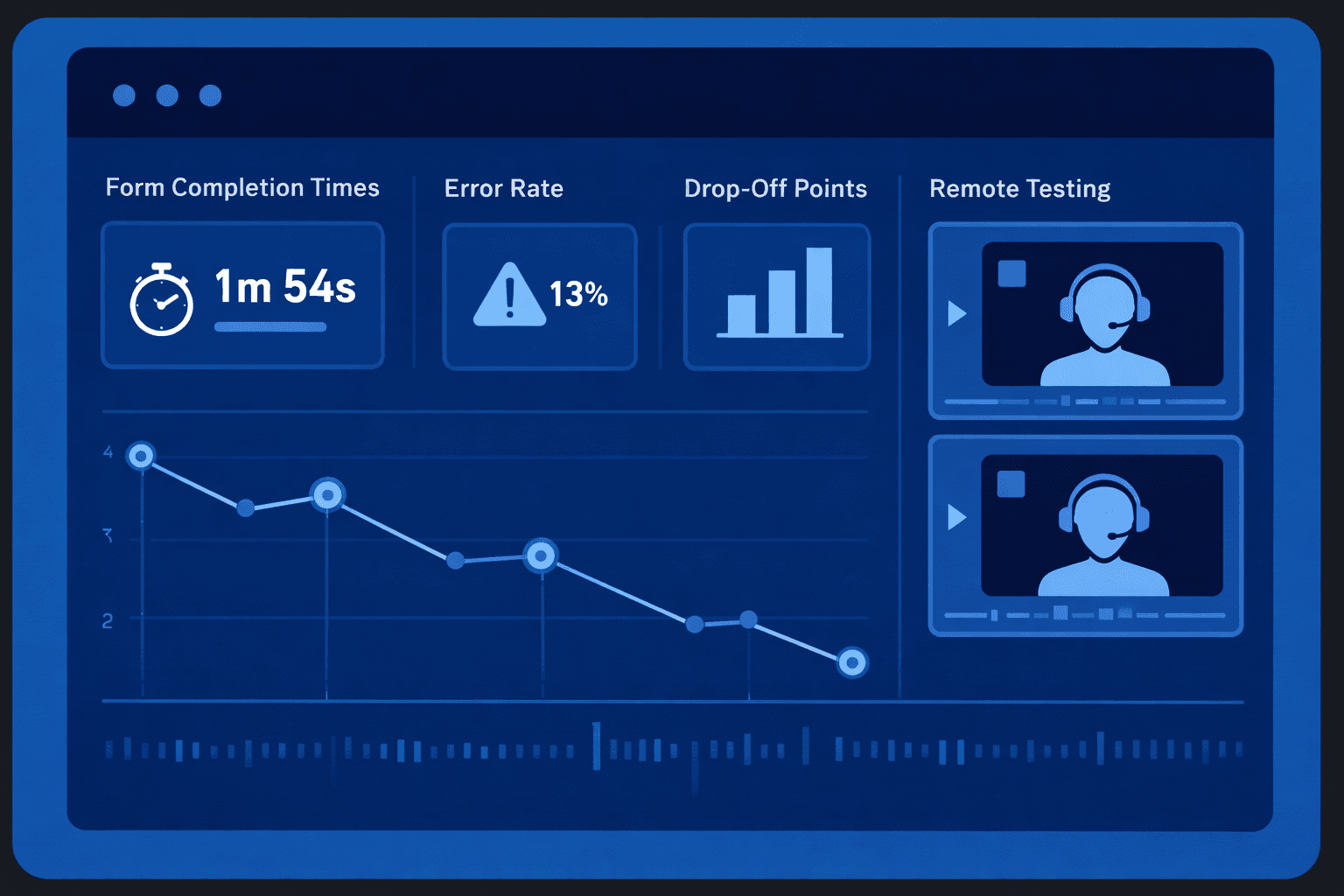
Running Remote Form Stress Tests
Remote usability testing captures more natural behavior, especially on personal devices.
Best practices include:
using a consistent usability test script
testing across devices and connection speeds
collecting qualitative website feedback post-task
reviewing recordings for non-verbal cues
Remote testing reveals how forms perform in real environments, not ideal conditions.
Usability vs Accessibility in Forms
Some form failures stem from accessibility gaps. Distinguishing usability vs accessibility issues helps teams apply the correct fixes without misclassification.
Turning Findings Into Improvements
Stress test results should lead directly to action.
Effective follow-up includes:
prioritizing fixes based on impact frequency
validating changes through repeat usability testing
updating the usability testing checklist
documenting patterns for future form design
This creates a feedback loop that continuously improves form performance.
Conclusion
We have seen from usability stress tests that show the reasons why users leave steps. When I mix the ux research, the checks, and the remote usability testing, with form usability stress tests, the team finds speed problems, error patterns, and drop‑off points that usual numbers miss. I notice that organized testing, with form usability stress tests, turns forms from points into paths.