How to Plan an Accessibility Remediation Sprint for Enterprise Teams
Learn how to plan an accessibility remediation sprint using WCAG guidelines, accessibility audits, semantic HTML, and inclusive design practices.
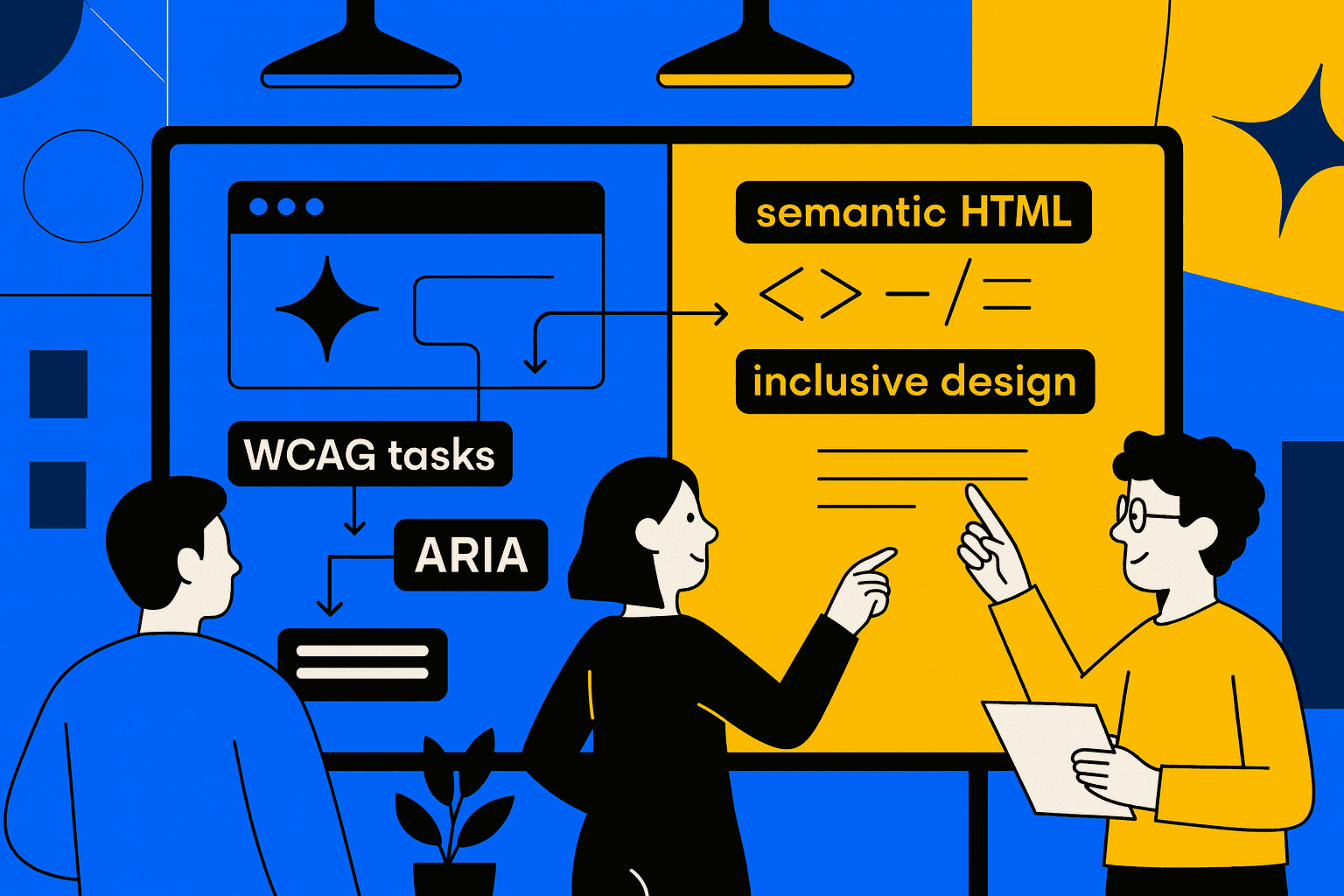
How to Plan an Accessibility Remediation Sprint
A strong accessibility remediation sprint helps teams fix critical issues in accessibility quickly and systematically. When the process is clear, organizations improve compliance, remove barriers, and build more inclusive products.
Why Accessibility Sprints Matter
A focused remediation sprint ensures that teams follow a structured web accessibility approach instead of random fixes. This method works well when a product grows, and technical debt affects usability.
Clear planning gives teams a predictable process. It also helps them focus on legal, ethical, and user-centered requirements, including ADA compliance.
Key Steps to Prepare Your Accessibility Remediation Sprint
Strong preparation starts with structure. Every sprint needs a clear beginning, defined criteria, and visible goals. The first step is reviewing the current state of the interface.
An early analysis must include issues related to semantic HTML. Correct structure solves many problems and improves the product for assistive technologies.
1. Run a Full Accessibility Audit
A complete accessibility audit gives the team a clear list of issues. The audit must include user flows, UI components, images, and interactive patterns. This helps teams see what requires urgent attention.
Audits should include
Keyboard navigation
Screen reader behavior
Interactive controls
Form labels
Focus order
The result becomes the foundation for the sprint.
2. Prioritize by WCAG Principles
Teams fix issues based on WCAG guidelines. These guidelines highlight what prevents equal access. Prioritization helps teams resolve severe problems first and plan realistic work.
WCAG uses four main principles
Perceivable
Operable
Understandable
Robust
This structure helps simplify complex requirements.

3. Validate Visual and Structural Issues
Many problems appear in the visual layer. Teams must test colors with a color contrast checker. Correct contrast helps people with low vision read text clearly.
Structural fixes include correct headings, roles, and attributes. They improve accessible web design and support assistive technologies. They also ensure forms and controls are easy to understand.
4. Test with Accessibility Tools
Tools help verify the quality of each fix. Teams often use accessibility testing tools to identify remaining errors and confirm improvements.
A short list of useful tools
Automated scanners
Screen readers
Manual contrast checkers
Keyboard-only navigation tests
These methods give a complete picture.
5. Fix Image and Interaction Issues
Images must include clear alt text for images. Good text explains the purpose without unnecessary decoration. This helps users who rely on screen readers.
Interactive elements need correct ARIA labels. Labels must explain function, not style. When roles and labels match behavior, the interface becomes predictable.
Table: Sprint Prioritization Overview
Issue Type | Priority Level | Related Standard | Notes |
|---|---|---|---|
Missing alt text | High | WCAG 1.1 | Blocks screen reader access |
Incorrect color contrast | High | WCAG 1.4 | Affects readability |
Missing semantic HTML | Medium | WCAG 1.3 | Breaks structure |
Incorrect ARIA labels | Medium | WCAG 4.1 | Can confuse assistive tech |
Visual-only instructions | Low | WCAG 3.3 | Needs additional context |
Conclusion
The accessibility remediation sprint is well organized. The accessibility remediation sprint helps the team fix problems fast. The accessibility remediation sprint makes the product easier to use. The accessibility remediation sprint supports design that includes everyone. The process adds audits, planned fixes, and good priority setting. The process creates a product that's accessible and more trusted.