Machine-Generated Alt Text vs Human-Written: Accuracy Benchmarks
Compare machine-generated and human-written alt text for images using accessibility audits, WCAG guidelines, and real accuracy benchmarks.
Machine-Generated Alt Text vs Human-Written: Accuracy Benchmarks
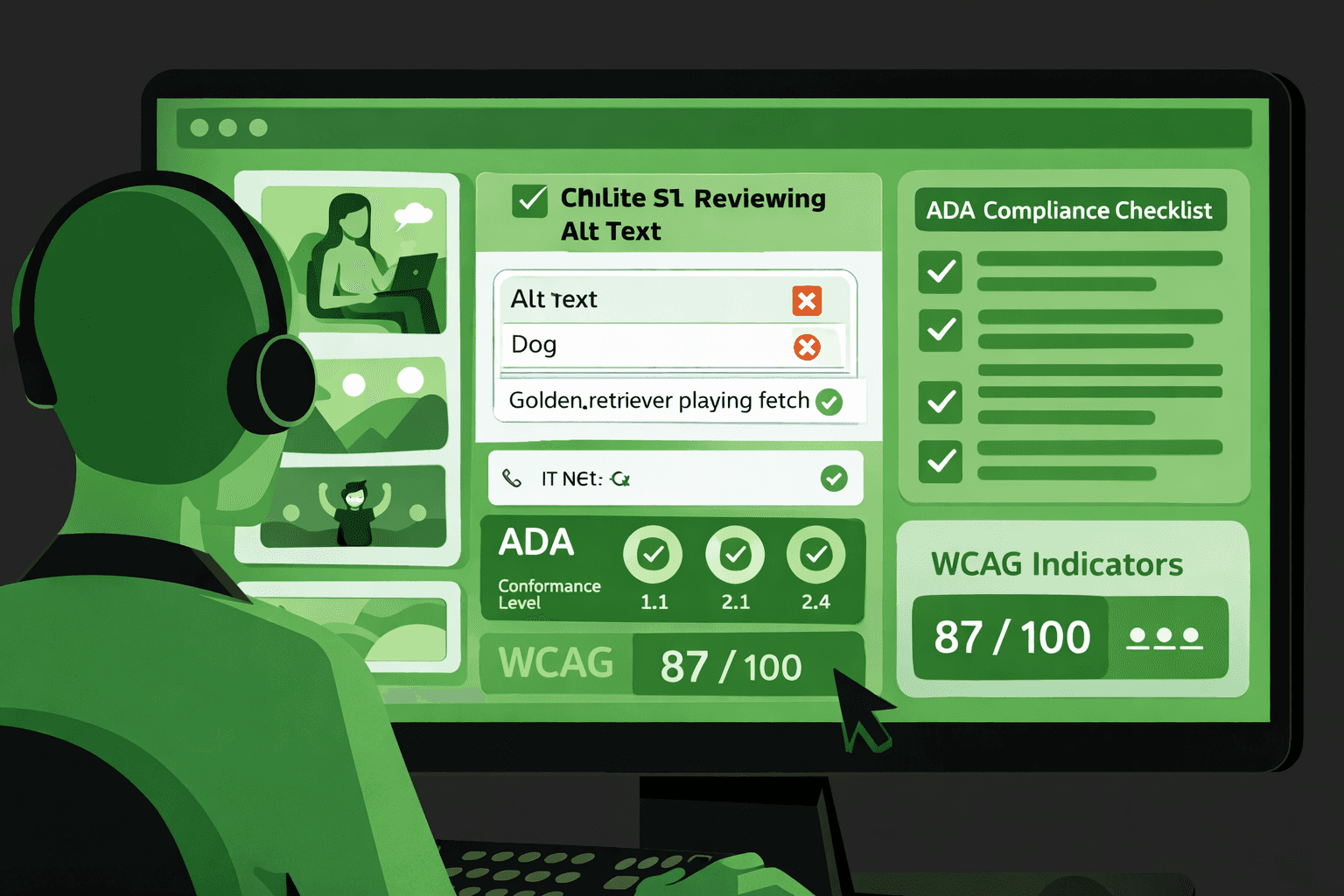
Alt text is very important for web accessibility. In my experience, the alt text often gets treated as an afterthought. The alt text also gets handed over to automation. Many teams use machine generated solutions for the alt text. The teams do not check if the alt text follows WCAG guidelines.
The teams do not see if the alt text supports the design for users. This article was written to compare the machine-generated alt text and the human-written alt text for the images. We used the accuracy benchmarks from the accessibility audits and the testing tools.
Why Alt Text Quality Matters
Alt text is not just descriptive metadata. It is functional content for users relying on assistive technologies.
Poor-quality alt text can cause:
loss of context for screen reader users
non-compliance with ada compliance requirements
failures during an accessibility audit
reduced trust in accessible web design
Semantic HTML and properly written alt text work together to create meaningful, navigable experiences.
Alt Text and WCAG Expectations
WCAG guidelines require alt text to convey equivalent meaning, not just visual appearance. This distinction is where automation often fails.
How Machine-Generated Alt Text Works
Machine-generated alt text relies on image recognition models trained to identify objects, scenes, and basic actions.
Strengths include:
speed and scalability
coverage for large image libraries
basic object identification
However, accessibility testing tools often flag automated alt text for missing context, intent, or relevance.
Common Limitations of Automation
Machine systems struggle with abstract concepts, emotional context, and functional purpose, all of which matter for inclusive design.
Human-Written Alt Text Advantages
Human-written alt text is context-aware. It reflects why an image exists, not just what appears in it.
Benefits include:
alignment with page intent and content goals
better support for aria labels and semantic HTML
improved outcomes in accessibility audit results
stronger compliance with web accessibility standards
Humans can also intentionally omit decorative images, reducing noise for assistive technology users.
Accuracy Benchmarks Comparison
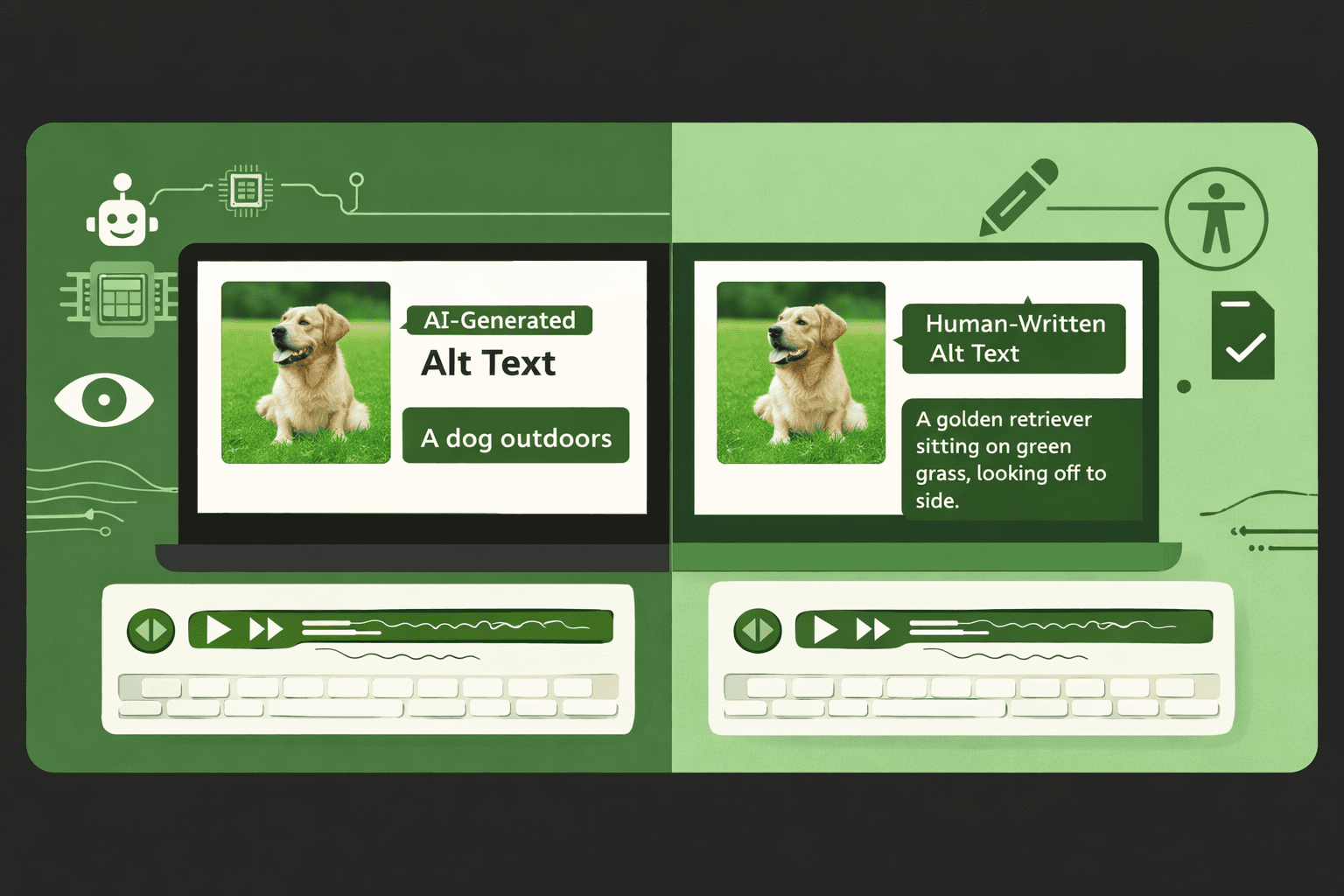
The table below summarizes observed differences during accessibility testing across real product interfaces.
Criteria | Machine-Generated Alt Text | Human-Written Alt Text |
|---|---|---|
Object identification | High accuracy | High accuracy |
Context relevance | Low to medium | High |
Functional intent | Often missing | Clearly expressed |
WCAG guidelines alignment | Inconsistent | Consistent |
Accessibility audit pass rate | Moderate | High |
Inclusive design support | Limited | Strong |
When to Use Machine vs Human Alt Text
Automation can support accessibility efforts, but it should not replace human review.
Recommended approach:
use machine-generated alt text as a baseline
audit and rewrite critical images manually
validate with accessibility testing tools
review results against WCAG guidelines
This hybrid model balances scale with quality.
Role of Accessibility Audits
Regular audits help teams identify where automated alt text introduces risk instead of reducing effort.
Conclusion
In our work, we have seen that machine-generated alt text adds alt text to images, but it does not effectively capture the meaning. We have also seen that human-written alt text performs better than automation in accessibility audits for WCAG compliance and in designs that include everyone. I think that teams that work on web design should use automation as a helper, not as the answer, especially when high-impact content is involved.