PDF/UA 2025: Making Dynamic PDFs Truly Accessible
Learn how PDF/UA 2025 makes dynamic PDFs accessible with semantic HTML, alt text for images, ARIA labels, and WCAG guidelines compliance.
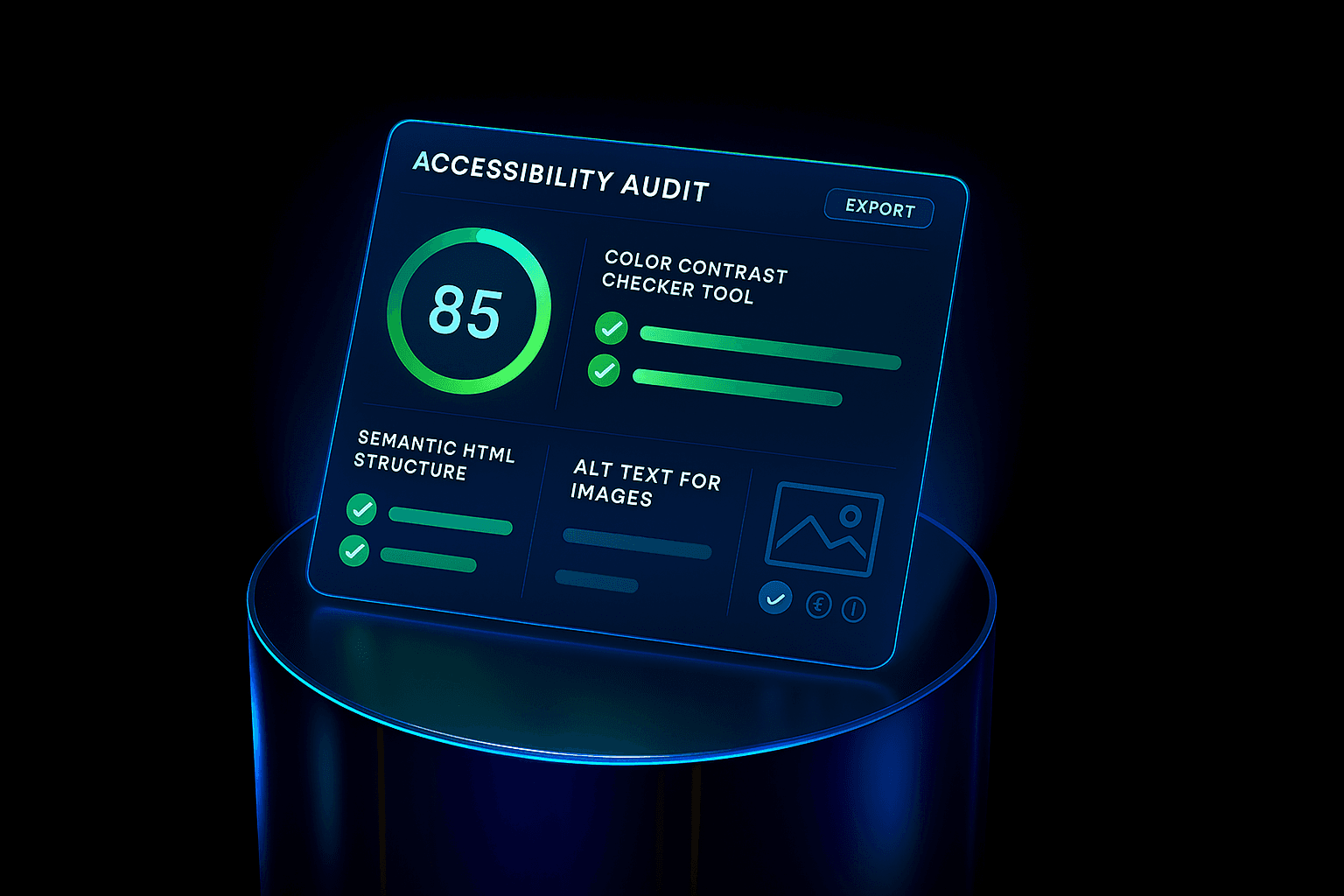
PDF/UA 2025: Making Dynamic PDFs Truly Accessible
The evolution of accessibility standards is reshaping how organizations deliver digital documents. With PDF/UA 2025, the focus is no longer on static files but on dynamic PDFs that support web accessibility principles, including semantic HTML, alt text for images, and ARIA labels.
These changes are crucial for businesses that must maintain ADA compliance while ensuring every document meets modern WCAG guidelines.
Why PDF Accessibility Matters in 2025
For years, accessibility in PDFs lagged behind accessible web design. Many files lacked structured tags, forcing screen readers to guess content flow. This created barriers for users with low vision, cognitive disabilities, or reliance on assistive technology.
The PDF/UA 2025 standard addresses these gaps, integrating principles of inclusive design into PDF creation. This includes proper headings, reading order, color contrast checker validation, and accessibility audit readiness.
Key Innovations in PDF/UA 2025
Semantic HTML-like structure inside PDFs for logical navigation
Mandatory alt text for images and icons
Expanded use of ARIA labels for interactive content
Built-in compatibility with accessibility testing tools
Alignment with the latest WCAG guidelines for consistency
These features bring PDFs closer to the quality of accessible web design, ensuring equal usability across platforms.
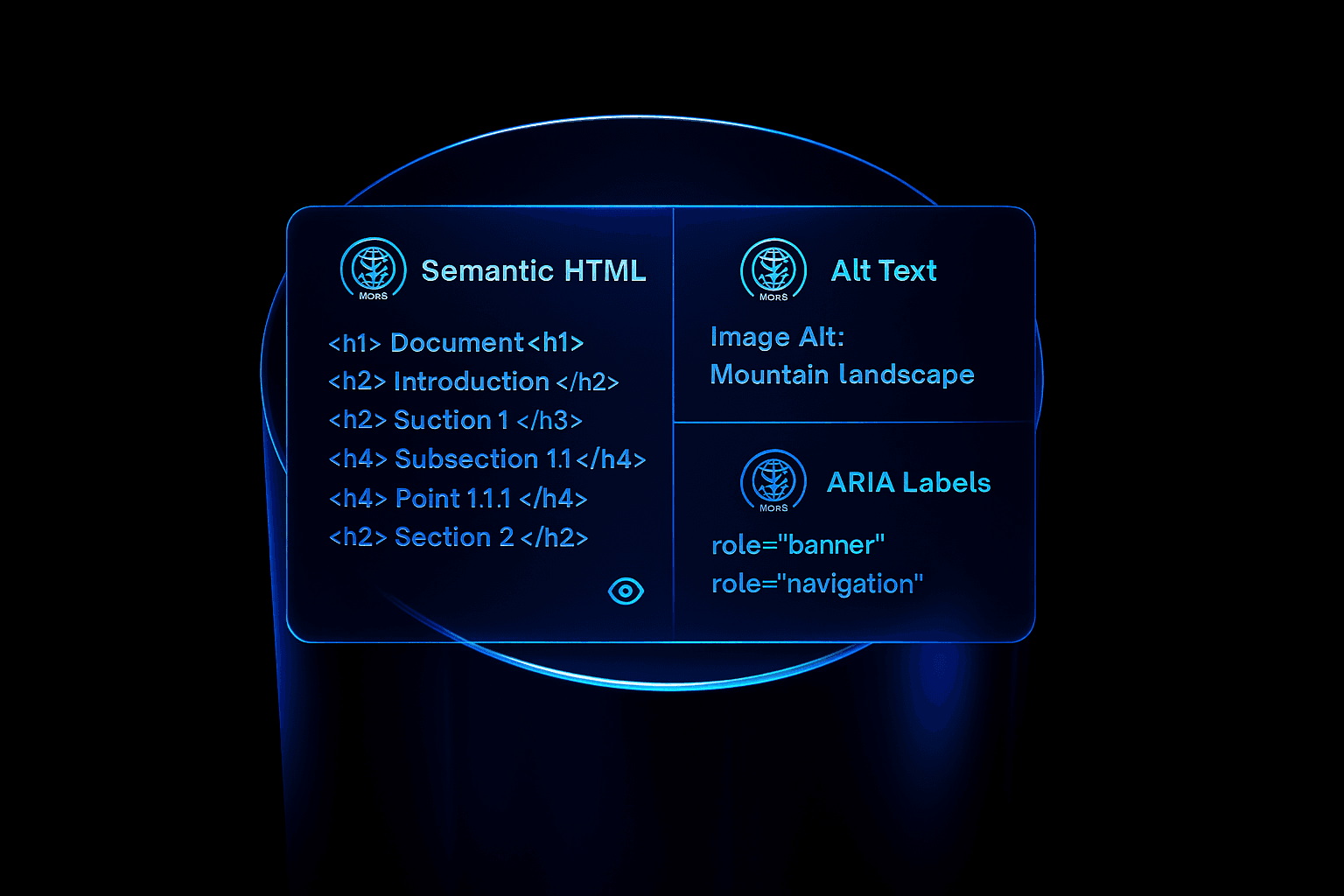
Accessibility Testing Tools for Dynamic PDFs
Organizations now rely on accessibility testing tools to validate PDF compliance before publishing. These tools scan documents for missing alt text for images, incorrect heading structure, and violations of WCAG guidelines.
An effective accessibility audit ensures that PDFs perform as well as websites during web accessibility checks. Tools often combine color contrast checker features, semantic tagging validation, and ADA compliance reporting.
Practical Checklist for PDF Accessibility
To ensure your PDFs are accessible to everyone, consider the following practical checklist:
Use semantic HTML for headings and lists to create a clear structure.
Include descriptive alt text for images to provide context for visually impaired users.
Implement ARIA labels for interactive form fields, making them easier to navigate.
Check color contrast with a color contrast checker to ensure readability for all users.
Conduct an accessibility audit before releasing your documents to catch any potential issues.
Follow inclusive design best practices to make your content welcoming to all.
By incorporating these steps, you can seamlessly integrate accessible web design with PDF publishing into your workflow.
The Future of Accessible PDF Design
With PDF/UA 2025, accessibility shifts from optional to essential. Businesses that fail to adopt risk non-compliance with ADA regulations and exclusion of users who depend on inclusive formats.
The integration of semantic HTML, alt text for images, and ARIA labels ensures documents are not only technically compliant but also usable. By following WCAG guidelines and leveraging modern accessibility testing tools, organizations can guarantee that every dynamic PDF contributes to a more inclusive digital world.
Conclusion
PDF/UA 2025 is more than an update — it is a step toward full web accessibility in document formats. Through inclusive design, accessibility audits, and careful use of semantic HTML, businesses can make sure their PDFs meet both ADA compliance and user needs.
Dynamic, accessible PDFs with proper alt text for images, ARIA labels, and validation by a color contrast checker will define the new standard. Those who embrace accessible web design at the document level will lead in both compliance and user trust.