Pricing Page Behavior: What Users Look for First and How to Optimize It
Learn how to optimize pricing pages for faster conversions by analyzing user behavior, improving page speed, and using website performance tools to reduce bounce rates.

Pricing Page Behavior: What Users Always Look For First
In my experience, the pricing page behavior is clear. Users always look for the pricing page first. Knowing the pricing page behavior is key to sales. I have seen users make decisions. The page speed, the content clarity, and the layout all shape the perception of pricing page behavior. Slow website loading time or poor @website-store responsiveness can push customers away before they even compare plans.
I have seen that when teams combine the user behavior insights with the website performance tools, teams can improve the pricing pages. Teams can lower the friction on the pricing pages. Teams can make the pricing pages clearer. Teams can get users to take action on the pricing pages.
What Users Look for First on Pricing Pages
Users visiting a pricing page typically focus on a few key elements first:
The actual price of the product or plan
The features included in each plan
Value comparisons between options
Call-to-action clarity
I notice that when the page loads slowly or the elements shift unexpectedly, users leave the page. I run Google Pagespeed Insights. Do a website speed audit to find the bottlenecks. I optimize images for the web. Use loading techniques to keep the page load smooth and fast. Fast pages keep users.
Optimizing Page Speed to Reduce Bounce Rate
Fast website loading time directly affects user attention. Tools like speedtest page, web, and website performance tools allow teams to monitor server response time and website responsiveness. Addressing slow elements ensures users stay engaged.
Key Page Speed Improvements
Optimize images for the web using compression and modern formats
Implement lazy loading techniques for non-critical content
Minimize scripts that block rendering
Use browser caching and CDN to reduce server response time
Monitor continuously with Google Pagespeed Insights and website speed audit reports
Focusing on these optimizations can reduce bounce rate and keep high-intent users interacting with your pricing page.
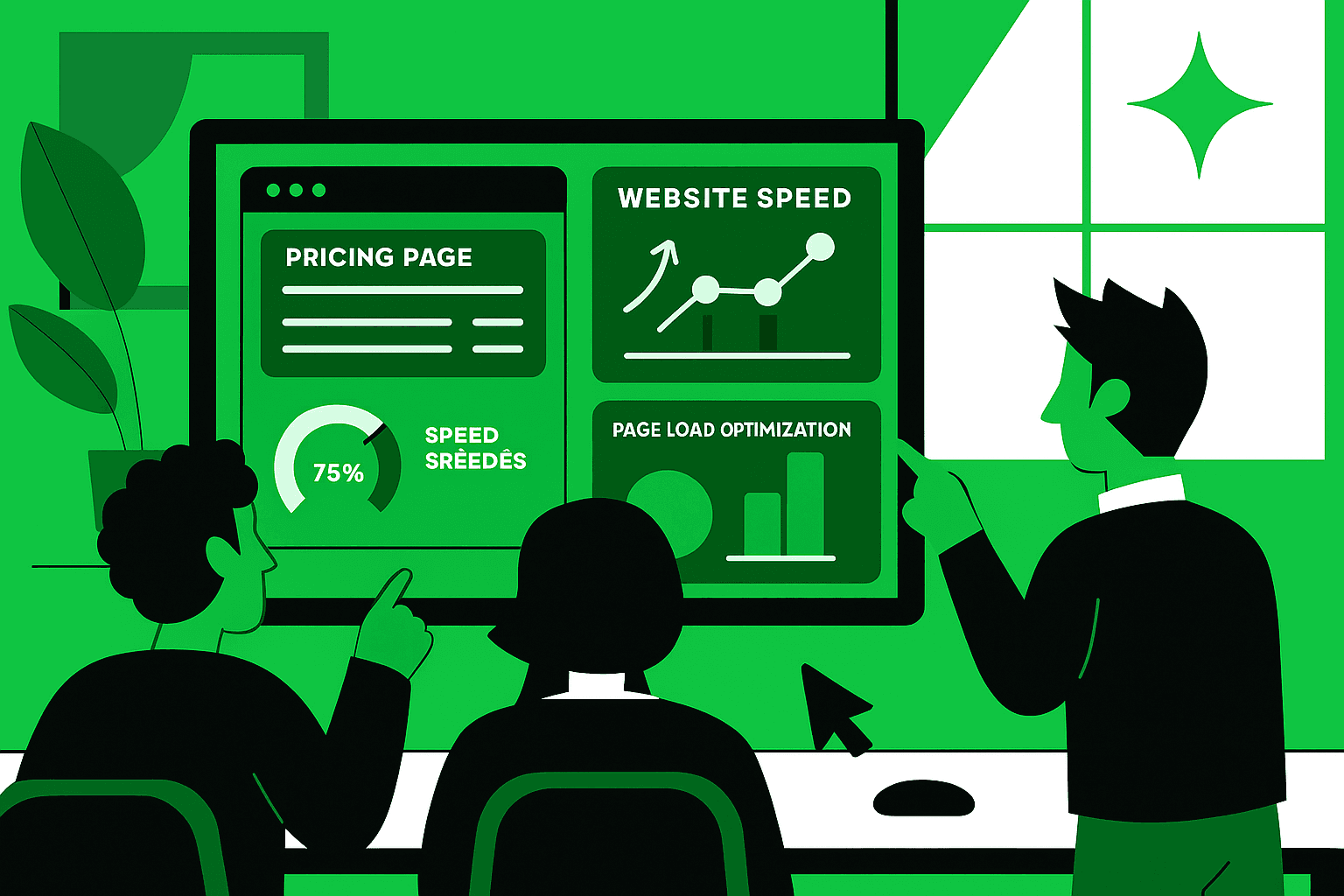
Comparison Table: Common Pricing Page Issues vs. Optimization Techniques
Issue | Optimization Technique | Impact on User Behavior |
|---|---|---|
Slow image loading | Optimize images for the web | Reduces bounce rate, improves perception |
Poor mobile responsiveness | Mobile speed optimization | Increases engagement on smartphones |
Heavy scripts | Page load optimization | Improves website loading time |
Lack of lazy loading | Lazy loading techniques | Faster initial load, smoother scrolling |
Unmonitored speed | Website speed audit & Google Pagespeed Insights | Continuous improvement, fewer drop-offs |
Using User Behavior Data to Improve Conversions
Combining user behavior analysis with speed improvements creates better pricing page behavior. Tracking how users scroll, hover, and click informs layout decisions. Pair these insights with technical optimizations like page load optimization and server response time tuning to ensure a seamless experience. I keep the website responsiveness in check. I keep the mobile speed optimization in check. When the website responsiveness and the mobile speed optimization are good, the users see the pricing information clearly. The users are more likely to finish the purchase. The users often finish the purchase.
Conclusion
Optimizing pricing pages is both a user experience challenge and a technical challenge. Users look at the price, the value, and the call to action. Slow loading time, images, or poor mobile speed can make users leave early. Teams use website performance tools, Google Pagespeed Insights, loading techniques, and page load optimization to make pricing pages load fast and work smoothly, and guide users to conversion. I have seen that fixing these things makes pricing pages work better. The result is conversion.