Rapid Remote Usability Reviews: 5 Tasks in 15 Minutes with High Accuracy
Learn how rapid remote usability reviews uncover issues fast using five targeted tasks, user behavior analysis, and lightweight UX research methods.
Rapid Remote Usability Reviews: 5 Tasks, 15 Minutes, High Accuracy
I have found that when teams need insights, without running usability testing, the rapid remote reviews give a good alternative. I have seen teams mix UX research, structured testing methods, and quick task assessments.
The rapid remote reviews let teams find usability issues in minutes, not days. I have tried the approach. See how the approach improves user experience testing. The approach helps with evaluation. The approach gives user insights with setup.
Why Rapid Usability Reviews Work
Rapid reviews are effective because they focus on clarity, speed, and structured tasks. They’re ideal when teams need:
quick validation before launching a feature
early website usability testing
insight into UI friction without large testing budgets
a hybrid approach combining expert heuristic evaluation with real user data
These sessions provide directional feedback while maintaining high accuracy in identifying usability barriers.
The 5-Task, 15-Minute Framework
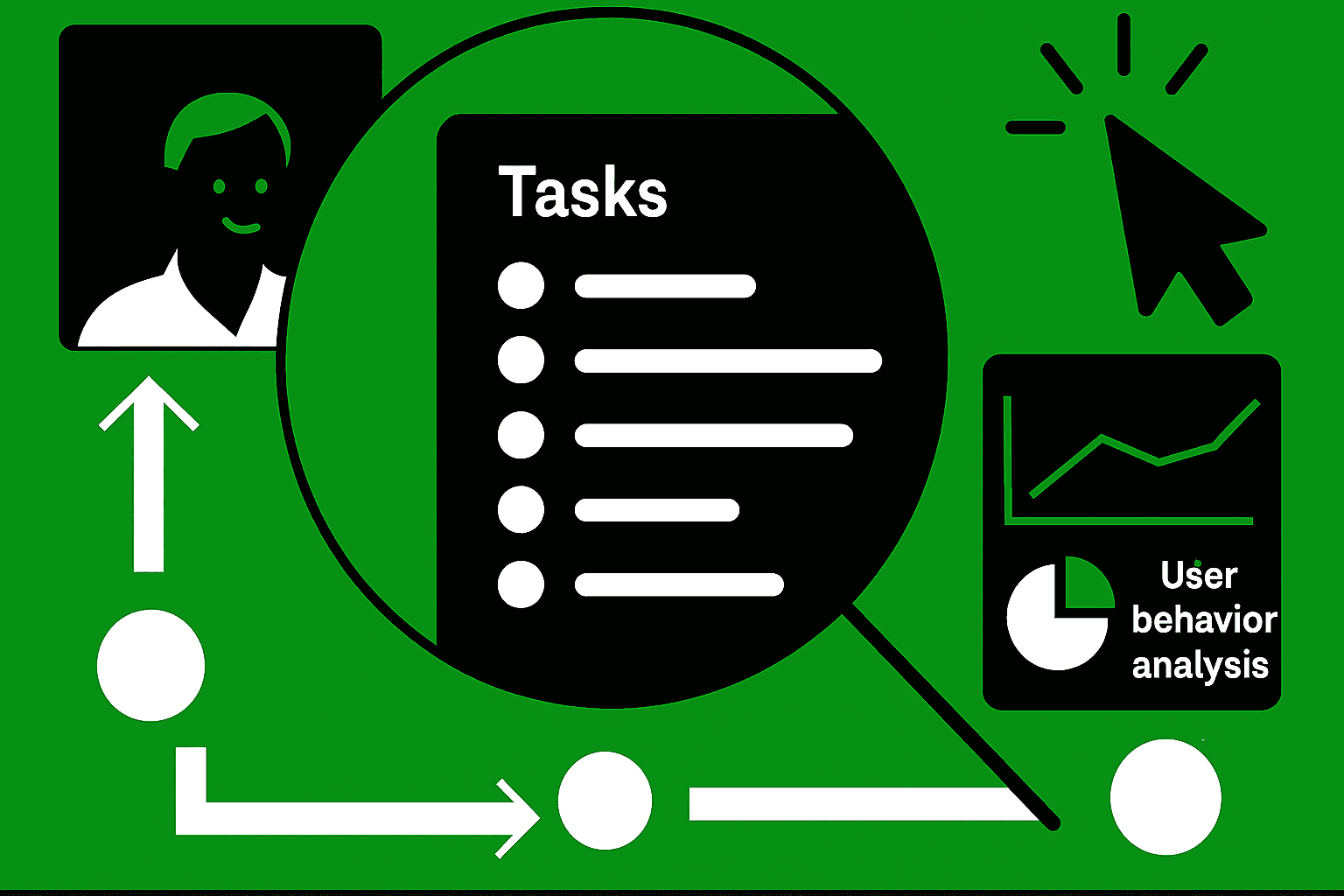
Each 15-minute session uses a predefined usability test script with five targeted tasks. The tasks are simple, realistic, and map directly to core user goals.
Typical Tasks Include
Finding essential information or navigation items
Completing a key workflow step
Interacting with a new feature
Identifying or interpreting content
Reporting friction or giving website feedback
This framework ensures structured data for usability testing examples and supports consistent user behavior analysis across participants.
Running a High-Accuracy Rapid Review
1 — Choose the Right Tools
Use reliable user testing tools that support:
screen-sharing
click tracking
session recording
lightweight analytics
These tools enable quick, remote user experience testing with minimal friction.
2 — Apply Heuristic Evaluation in Parallel
While the participant performs tasks, the reviewer also applies basic heuristics:
clarity and consistency
error prevention
recognition over recall
visual hierarchy and readability
This dual-layer approach increases accuracy without extending test time.
3 — Capture User Insights Efficiently
Focus on:
hesitation points
navigation loopbacks
unclear labels or calls-to-action
accessibility gaps (e.g., usability vs accessibility differences)
These insights feed directly into the usability testing checklist for structured team follow-up.
When to Use Rapid Remote Reviews
Rapid reviews excel during:
early design sprints
pre-launch sanity checks
roadmap planning
post-release monitoring
A/B test validation
I notice that the product offers depth. I notice that the product identifies user experience issues before they become costly. The product feels reliable.
Conclusion
Rapid remote usability reviews provide accurate insights. Rapid remote usability reviews combine the tasks, the lightweight usability testing methods, and the targeted user behavior analysis. Rapid remote usability reviews require five tasks and fifteen minutes.
Rapid remote usability reviews let teams uncover user insights. Rapid remote usability reviews let teams improve designs. Rapid remote usability reviews let teams refine flows. Rapid remote usability reviews do not slow development. I have seen that when I pair the evaluation with the user testing tools, this method is a very efficient way to improve the product quality. This method also improves user satisfaction.