Task-First Usability Testing: Eliminating Unnecessary Scenarios for Faster, Clearer User Insights
Learn how task-first usability testing simplifies UX research, removes irrelevant scenarios, and reveals user behavior with higher accuracy. Includes checklist, examples, and best practices.
Task-First Usability Testing: Eliminating Unnecessary Scenarios
Most usability testing sessions are overloaded with unrealistic flows, abstract questions, and “nice-to-have” checks that blur real insights.
Task-first usability testing flips that approach: users test only what they truly come to the interface to accomplish, making the entire process faster, cheaper, and dramatically more accurate.
Below is a complete guide for UX teams who want to streamline their usability testing methods while improving the quality of user behavior analysis.
Why Task-First Testing Works
Traditional usability testing often tries to “test everything at once.”
Task-first usability testing focuses instead on the core actions users take within a product.
This approach pairs perfectly with:
UX research findings
Website usability testing
Remote usability testing
Heuristic evaluation
User experience testing across apps and dashboards
By narrowing to primary tasks, teams capture real user insights, increase testing accuracy, and eliminate noise.
Key Problems with Traditional Testing
1. Too Many Scenarios
Users become fatigued and confused, producing unreliable feedback.
2. Unnatural User Paths
Strict scenario scripts don’t reflect how people actually behave.
3. Surface-Level Website Feedback
Participants give “opinions,” not task-driven evidence.
4. Inflated Session Length
Teams waste time on tasks that do not impact business or usability KPIs.
What Task-First Testing Prioritizes
1. High-frequency tasks
(Where 80% of all user sessions happen)
2. High-impact tasks
(Where friction directly affects conversions, retention, or errors)
3. Tasks tied to business outcomes
(e.g., checkout, search, form completion)
4. Tasks exposed by user testing tools and analytics
Validating behavior instead of guessing it.
Usability Testing Checklist (Task-First Edition)
This includes required keywords in meaningful use.
Identify tasks using UX research, heatmaps, and analytics
Map flows in a website usability testing plan
Prioritize tasks using a heuristic evaluation
Set objectives for each user testing tool session
Write a minimal usability test script focused on core actions
Evaluate user insights vs business KPIs
Compare findings with usability testing examples from similar products
Ensure tasks meet basic accessibility standards
Document issues using a usability testing checklist
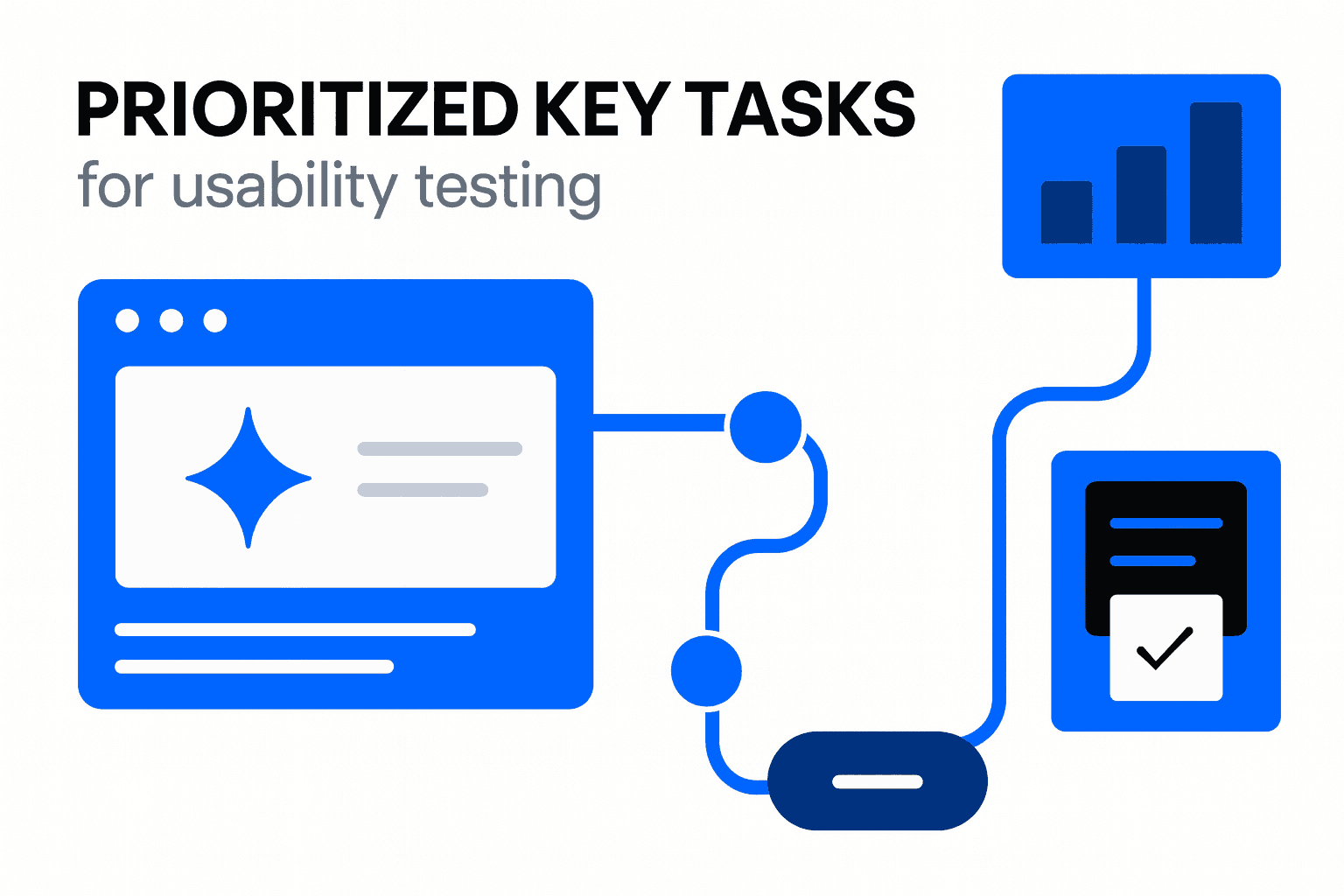
Table: Traditional vs Task-First Usability Testing
Feature | Traditional Usability Testing | Task-First Usability Testing |
|---|---|---|
Scope | Wide, unfocused | Narrow, essential |
User Scenarios | Many, often artificial | Few, focused on actual tasks |
Session Length | 45–90 minutes | 10–25 minutes |
Insights | Opinion-heavy | Behavior-driven |
Accuracy | Medium | High |
Cost | Higher | Lower |
Ideal For | Exploratory research | Conversion-critical UX decisions |
How to Build a Task-First Usability Test
1. Define the top 3–5 essential tasks
Use data from user behavior analysis.
2. Create simple and neutral instructions
Avoid giving clues or describing the interface.
3. Observe real behavior
No guiding users unless they’re stuck for 30+ seconds.
4. Document problems using heuristic principles
Match issues to widely accepted usability standards.
5. Compare results across testers
Look for repeated friction, not one-off mistakes.
When to Use Task-First Testing
✔ Rapid prototyping
✔ Early usability validation
✔ Prioritizing product fixes
✔ Remote usability testing
✔ Evaluating accessibility blockers
✔ Measuring usability vs accessibility differences
Final Thoughts
Task-first usability testing removes clutter, speeds up research, and dramatically improves clarity of user insights.
If you're making decisions that depend on user behavior—not user opinions—this method delivers the highest ROI of any usability testing strategy.